Agilebot is one of the two robot brands, alongside Hyundai Robotics, for which AimFactoryCore handles the robot program itself. It connects directly to the controller over Ethernet, and robot status, coordinates, alarms, and programs are all handled from the one vision screen. This post covers the major overhaul in the 0.1.0.7 release of July 31.
Up to 6 picks from a single capture
Instead of sending one pick at a time, the picks found in one capture are written to consecutive registers, up to 6, and the count is committed last. The robot then picks that many in sequence. The robot-side program stays simple: a count of 0 means wait, a negative value means NG.
To keep the pick register block from overlapping with taught registers, the register editor highlights vision slots in blue.
Note — how much this changes the speed. To see what this transfer method does to the cycle, we ran three operating methods side by side under the same conditions: no motion blending with a single coordinate, motion blending with a single coordinate, and motion blending with six vision coordinates received at once. Receiving coordinates in advance cuts unnecessary stops, camera triggers and communication waiting time. The side-by-side comparison is in Motion blending and six vision coordinates — pick and place cycle comparison.
Tools to verify what was sent
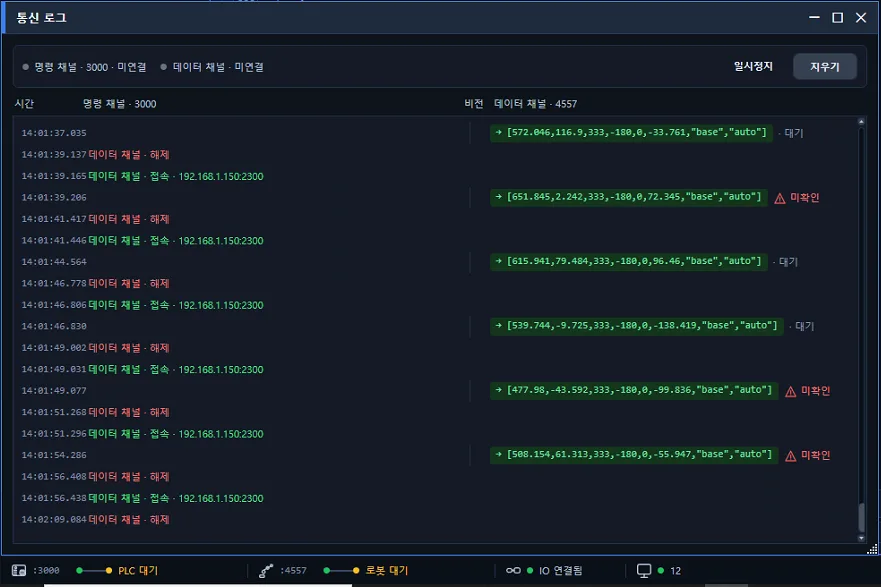
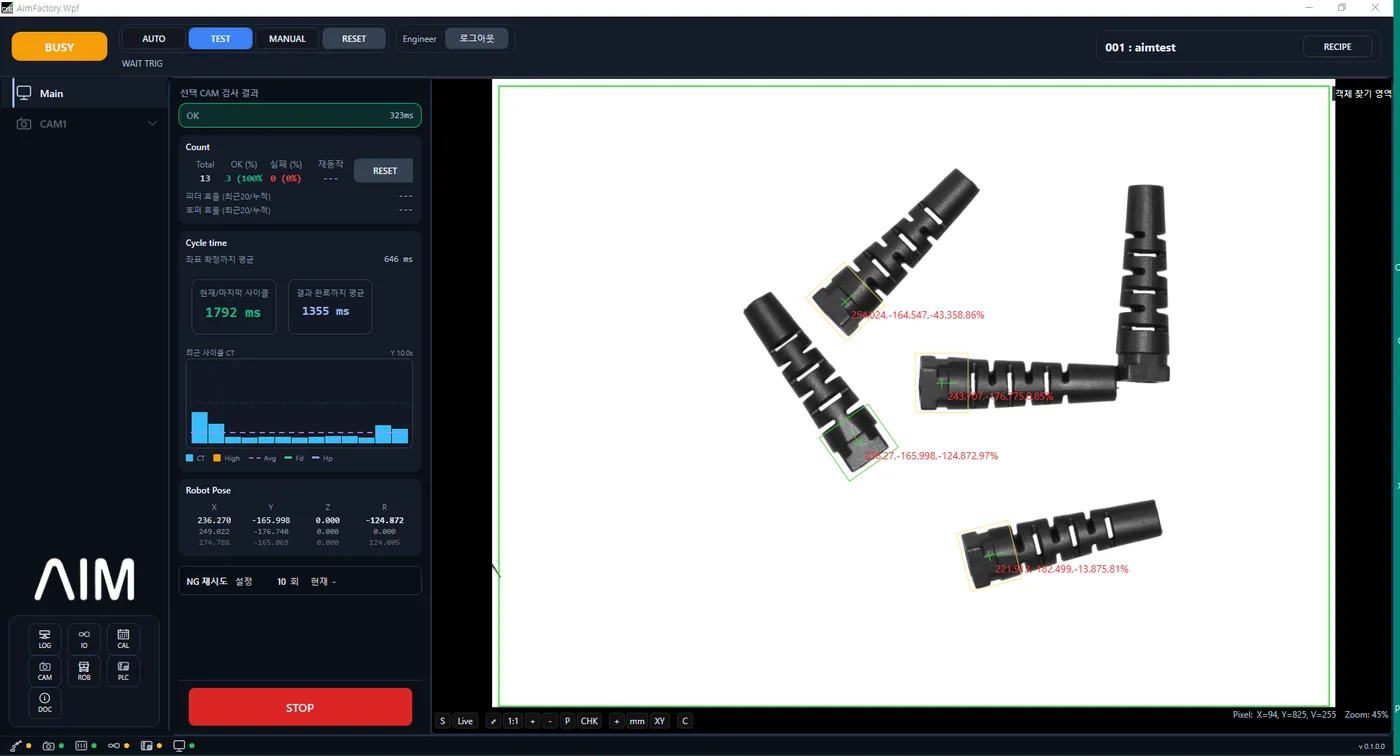
- The dashboard’s last-transfer panel summarizes time, OK/NG, pick count, and register range. For two or more picks, the transfer log window shows the latest 50 entries including NG and failures.
- The read-back button in Point Tool reads the actual register values from the controller, pick block and count included.
- The register editor’s read-robot-values button shows only the entries that are valid for the current count.
The operator can compare what the screen sent with what the robot received, right there.
Jog the robot from the PC screen
Agilebot is moved with the jog controls in the AimFactoryCore screen. The jog loop now lives inside the controller and is gated by a register, which eliminates the servo drop that used to happen the moment a button was released. Once the robot is in position, record the current position to the selected register and Cartesian coordinates, joint coordinates, and posture are saved together.
Script editor: no need to memorize commands
BAS scripts are edited inside the same screen that runs vision and feeders.
- Insert commands from the right-click menu and command catalog; pick variables and IO names from submenus.
- Syntax is checked automatically 0.4 s after you stop typing. Points that have not been taught yet and unregistered variables are underlined.
- A gray name tag at the end of each line shows what a register number means.
- Points and registers can be imported from another recipe.
- A default template with the multi-pick flow is provided.
Sending to the controller is done by the operator with the transfer button on screen.
Status panel: E-STOP and INIT by banner color
A compact fixed-width panel refreshes connection state, motor, emergency stop, speed, and main program load status once per second. E-STOP and INIT are distinguished by banner color at a glance, and controller alarms are recorded with code and timestamp, with details in a separate window.
Note for existing users
Starting with 0.1.0.7 the handshake value exchanged with the robot changes: 0 means wait, 1 to 6 is the pick count, negative is final NG. The previous 1=OK, 2=NG scheme is no longer used, so the robot-side BAS program must be updated to the new contract. Use the editor’s default template or contact your AIM engineer.