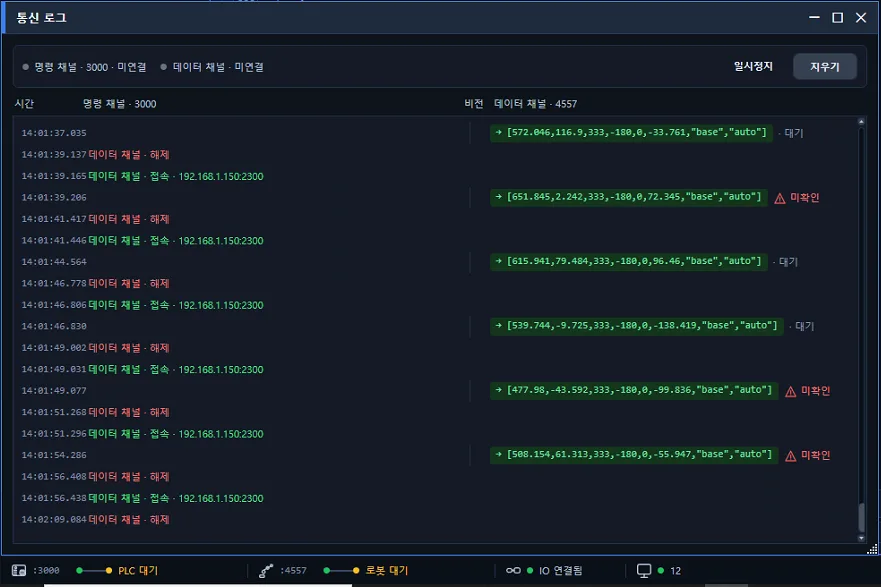
AimFactoryCore connects to most industrial robots through coordinate communication. With Hyundai Robotics it goes one level deeper: the robot program itself is handled inside the vision screen. This post summarizes what shipped across the July releases.
There is no separate window for the robot program
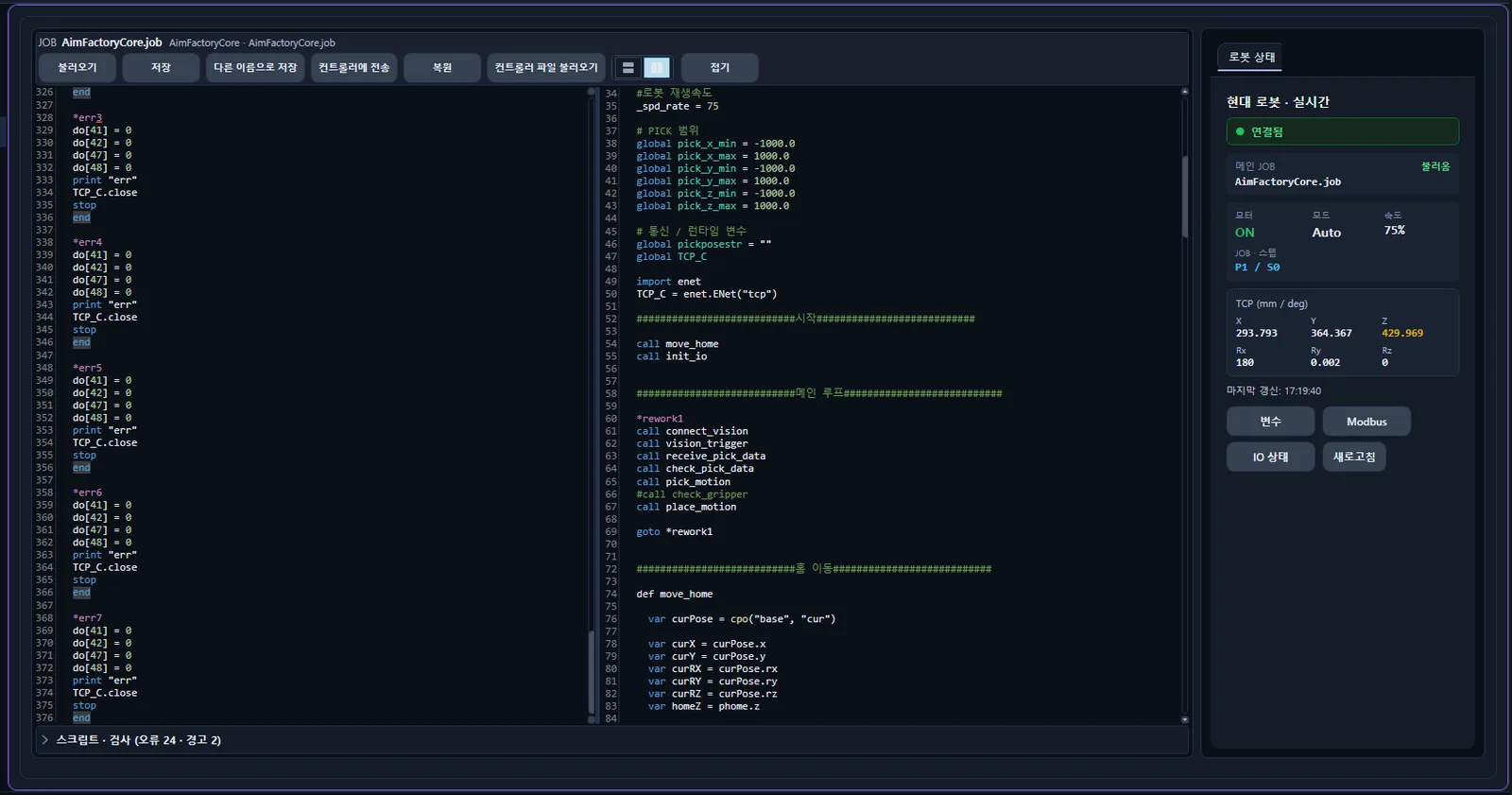
Hi6 JOB scripts are edited in the same screen that runs vision and feeders. Unmatched blocks and labels that do not exist are underlined before you save, and double-clicking an entry in the list jumps to that line. Saving puts the program inside that recipe’s folder, so each part variant keeps its own robot program.
Uploaded programs are read back and compared to the original
Upload is only available when the robot is connected, automatic mode is off, motors are off, and an administrator is logged in. Right before overwriting, the robot state is checked again; if auto or motors came on in the meantime, nothing is written.
After upload, the program is read back from the controller and compared to the original text. If they differ, the previous content is restored. The state just before upload is kept as a timestamped file in the recipe folder.
Coordinates are not read off a screen and retyped
Move the robot to the desired position with the pendant, pick a point in the table, and press one button. The coordinates the robot reports at that moment go into the point and into the program text together, and the file is saved. No typing of brackets, commas, or coordinate-frame strings. Before writing, the current value and the new value are shown side by side and must be approved. This function is available at administrator level.
Change the part, and the robot changes first
One recipe folder holds per-camera capture settings and inspection regions, robot tool values and pick heights, feeder vibration settings, and the robot program source. The PLC calls the whole bundle with a single slot number.
On a change request, the robot program is written to the controller and read back for verification before the vision recipe is applied. If verification fails, the controller is restored to its previous content, the vision recipe stays as it was, and an alarm is raised. The current slot number reported to the PLC also stays at the old value. Same number with an alarm points to the robot side; changed number with an alarm points to the device side.
Start over Modbus, reconnect when the link drops
With robot Modbus control enabled, start, pause, stop, and resume buttons appear in the robot status ribbon. Start proceeds through remote and error pre-checks, auto mode, stop release, motor on, condition check, and the start pulse, verifying coil state at each step. On failure it reports where it stopped. Start and resume ask for confirmation before running.
The Modbus link is watched with a heartbeat. Silent disconnects are detected and reconnected automatically, and a banner appears if the grace period is exceeded.
Tool calibration with one-button coordinate capture
Rotate the robot around one fixed point and the coordinates are circle-fitted to compute the tool center. At each pose, one button fills the table with the robot’s current coordinates, and edits recalculate automatically. Radius deviation is displayed in ±mm so precision is visible.
Scope
- Controller: Hyundai Robotics Hi6
- Communication: REST and Modbus TCP
- Models: HH4, HH4E, HH7, HH7E, HH8 and other Hi6-series 6-axis robots