
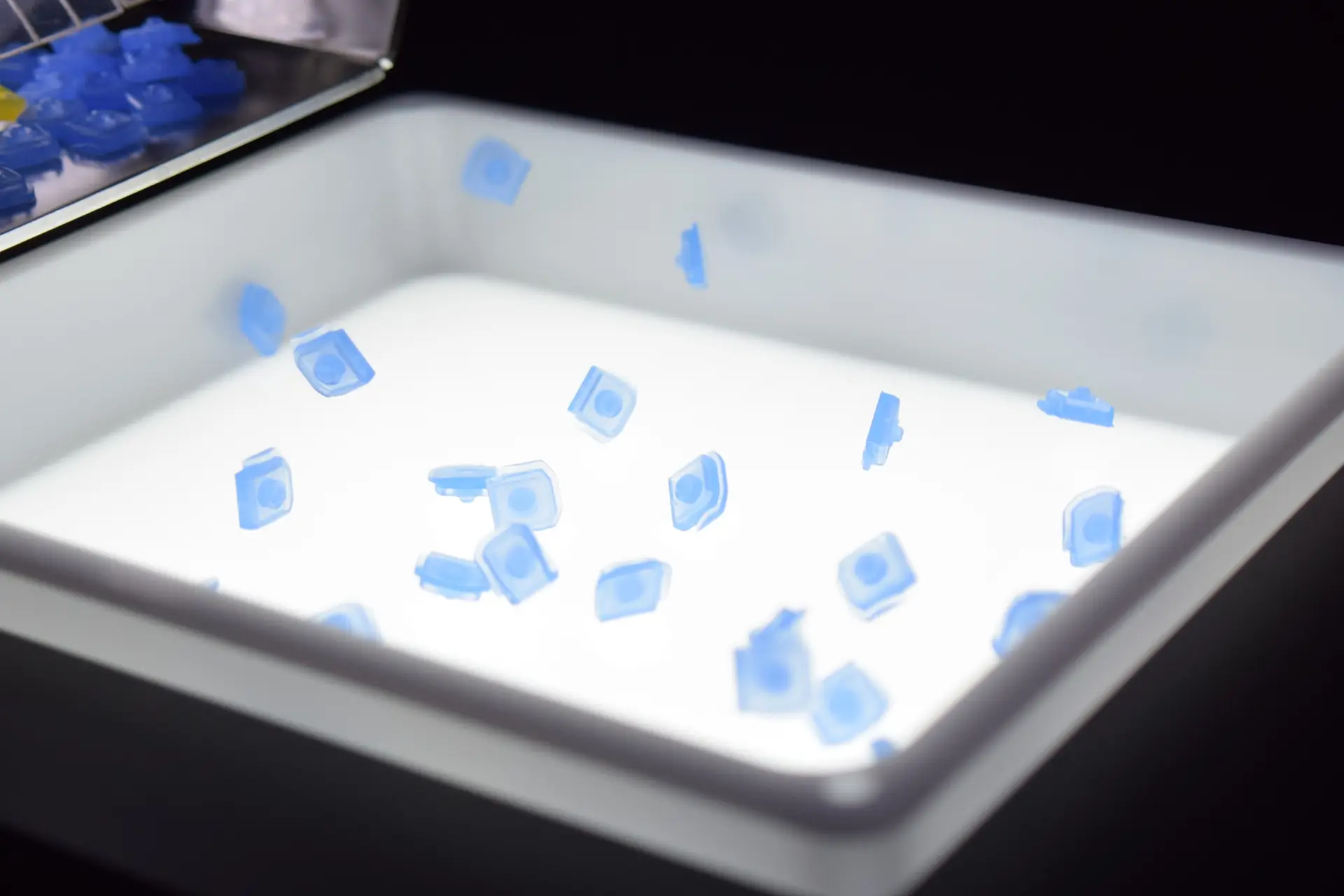
UniFeeder
Spreads and flips parts
so the robot can pick them
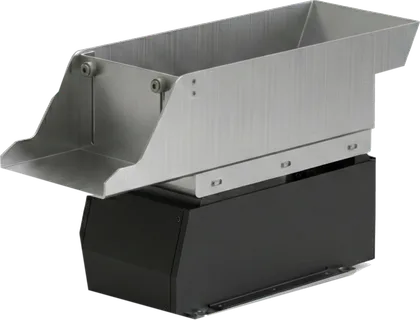
Parts dumped in bulk are spread by vibration and given a direction, presenting one clear face with nothing overlapping.
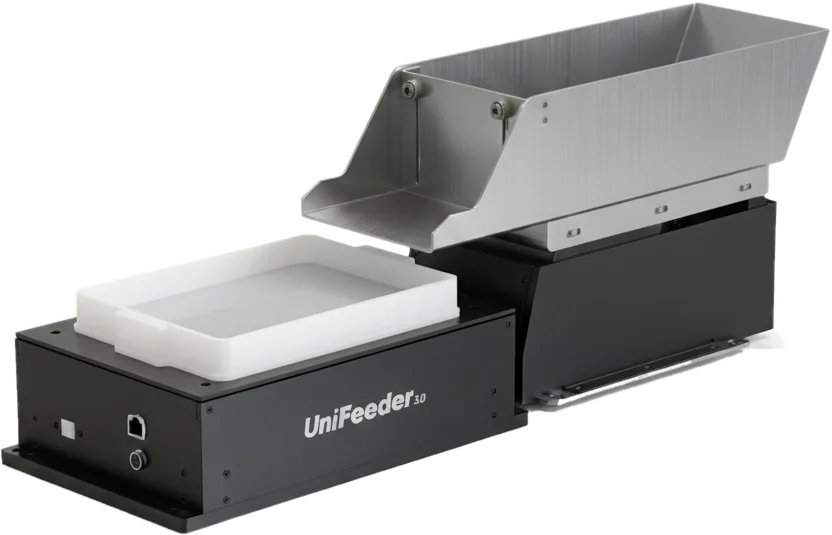
One controller
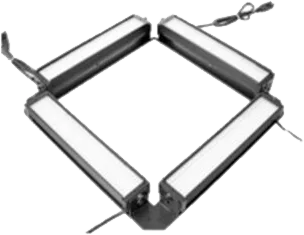
One feeder controls the hopper and the lighting, too.
There is no separate lighting controller and no separate hopper controller. Two boxes leave the control panel, and the only cables into the feeder are power and one LAN cable.
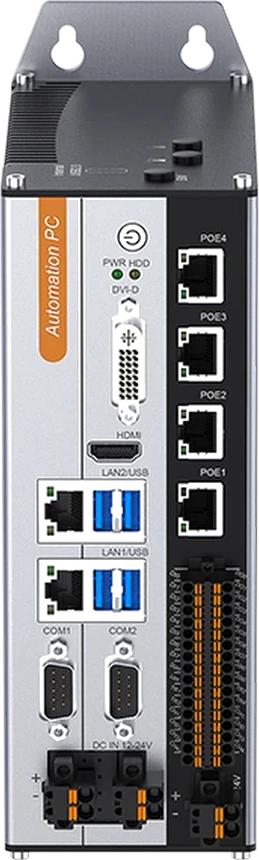
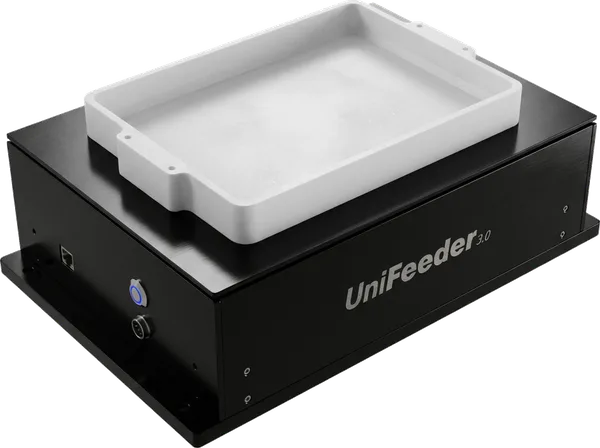 Built in Bottom backlight
 UniFeeder
The control PCB is inside the body, too
Recipe
No hand tuning —
values are sent over the network
The feeder's vibration and direction, the top-light brightness and the hopper feed amount are all numbers. Nothing is set by turning a dial — the feeder receives values.
Find the right values for each part, save them as a recipe and recall them. Saving and recalling is done by AimFactoryCore.
Remote support
Because everything travels as values, conditions can be set without a site visit
Creating the conditions and seeing the result both happen entirely on screen.
Chain motions together
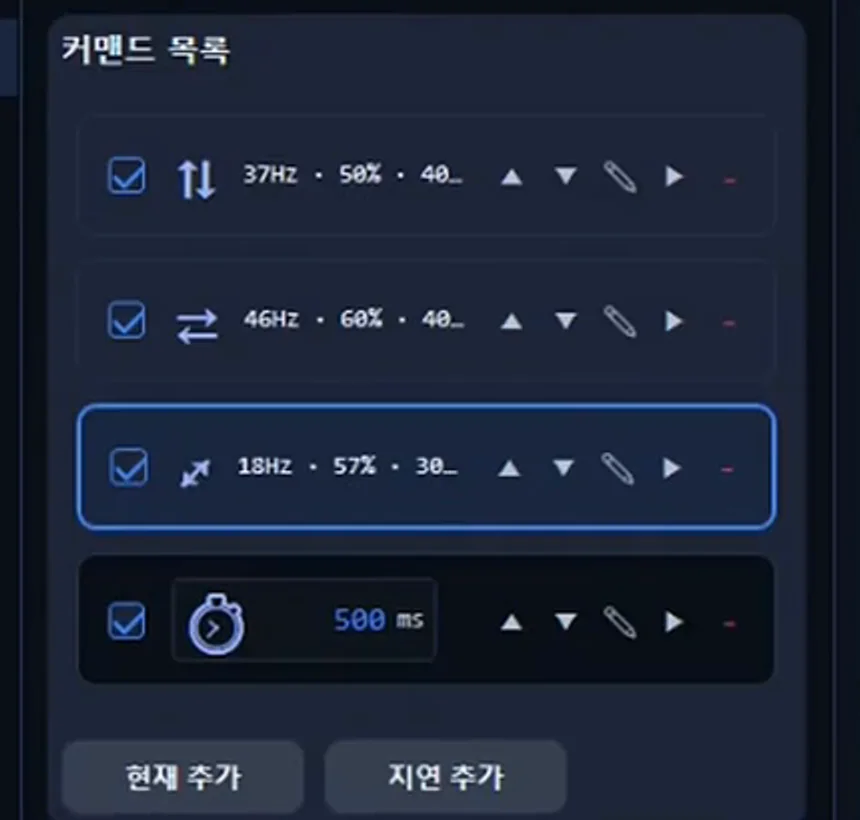
Line up vibrations in different directions one after another, with a delay in between for the parts to settle.
Watch it while it runs
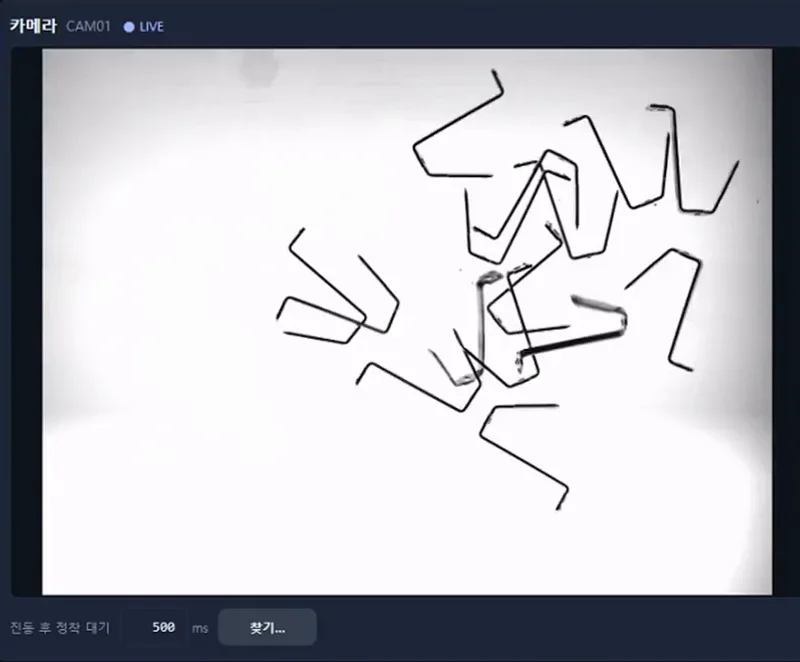
The camera stays live while the feeder is moving. You see the shaking and even the motion blur.
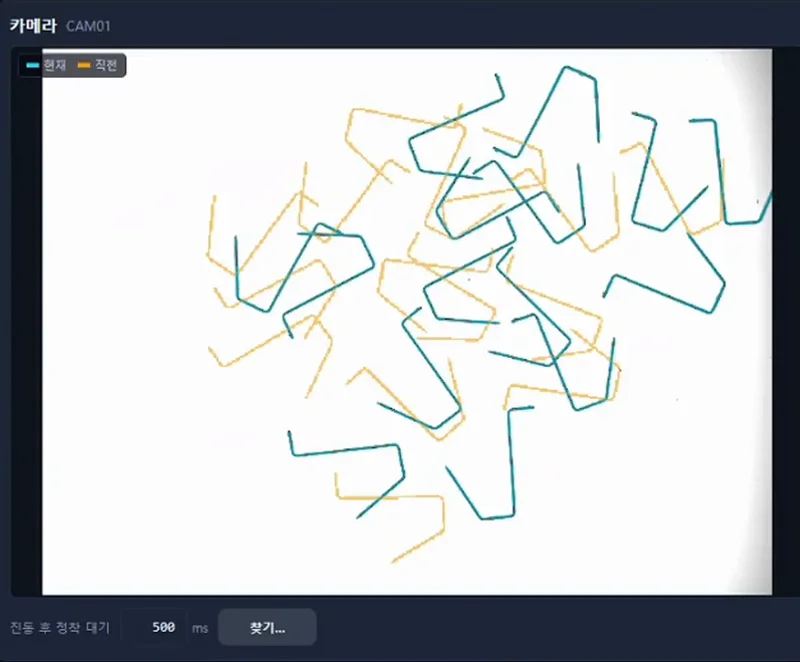
Overlay before and after
The current pose is laid over the previous one. How far the parts have spread is visible at a glance.
Lineup
Three models, from 0.5 mm to 180 mm
Any industry. The one criterion for choosing is part size.
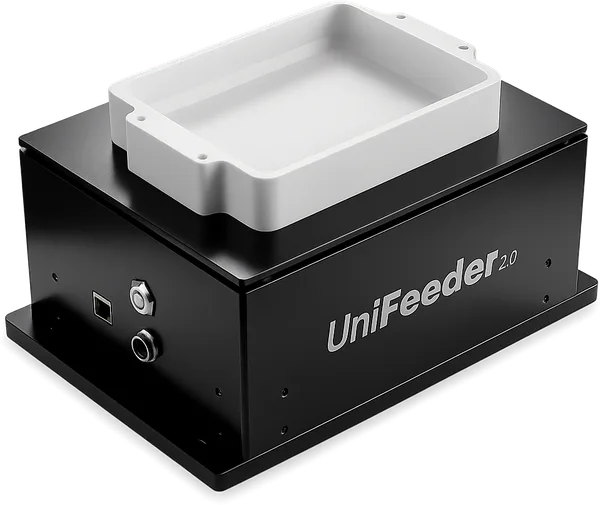
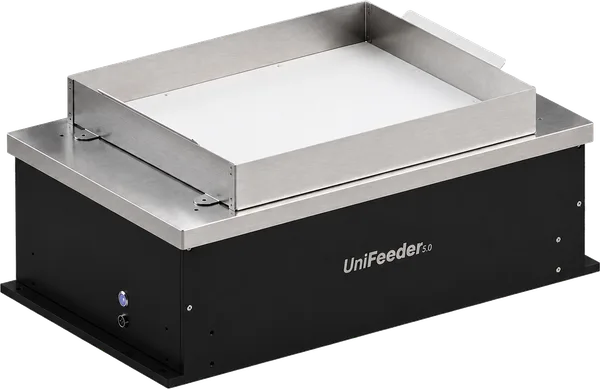
| Model | Recommended part size | Vibration platform | Dimensions (W×D×H) | Weight | Recommended hopper |
|---|---|---|---|---|---|
| UniFeeder2.0 | Ø 0.5–20 mm small | 120 × 150 mm 180 cm² | 174 × 230 × 123(H) mm | 3 kg | UniHopper 2.0 |
| UniFeeder3.0 | Ø 20–50 mm medium | 180 × 230 mm 414 cm² | 240 × 350 × 123(H) mm | 4.6 kg | UniHopper 3.0 |
| UniFeeder5.0 | Ø 50–180 mm large | 420 × 340 mm 1,428 cm² | 366 × 600 × 245.5 mm | 14.8 kg | UniHopper 5.0 Documentation in preparation |
Common to all three models — power DC 24V / 10A · communication Ethernet (TCP/IP)
Configuration
This is how we configure and ship it
Feeder · hopper · lighting come as one set. No lighting controller and no hopper controller are included — they are not needed.
Feeder specifications
Per-model part size, platform, dimensions and weight are in the lineup table above.
Drive
- Motor
- 4-motor linear vibration (encoderless)
Operation
- Control method
- Hz, Duty, Time control / Back Light On·Off
- Feeding motion
- Gather, spread, forward (one-way)
Configuration & options
- Vibration plate (option)
- Flat, hole, groove — material & shape
- Cables
- Power cable, CAT6 LAN cable, Hopper (option)
Power & control
- Power supply
- DC 24V / 10A
- Vibration control range
- Hz 10–99 / Duty 10–99 / Time 0.3–1 / Back Light 0–99
Communication & integration
- Communication
- Ethernet (TCP/IP)
- PC integration
- Vibration setup, test mode
Hopper (UniHopper) specifications
Chosen from the same generation as the feeder (2.0 / 3.0 / 5.0).
Control
- Control parameters
- Vibration, frequency (Hz), time
- Integration
- UniFeeder 2.0 · AimFactoryCore recipe
Lighting specifications
No separate lighting controller — the feeder receives the brightness value.
Top lighting (external)
- Model
- EyeLIGHT 300
- Type
- Square LED area light (330 × 330 mm)
- Brightness control
- Automatic
- Color temperature
- 6500 K
Control
- Path
- Via the feeder control PCB — no separate lighting controller
- Storage
- Saved together in the AimFactoryCore recipe
Bottom backlight (built into the feeder)
- Location
- Inside the feeder body
- Brightness levels
- 0 – 99
Supplied by AIM
Feeder · hopper · lighting
We build them ourselves and ship them together. Cables (power · CAT6) are included.
Chosen together for your part
Vibration plate
Flat, hole, groove — material & shape — chosen to match the part shape.
What you keep using
Robot · camera · PLC
Your existing equipment stays as it is. Vision, the robot and the recipe screen belong to the AimFactoryCore side of the configuration.
Drawings · datasheets
All downloads →Getting started
First we see whether your part spreads
We don't pick a model first. We put your part on the feeder and decide from there.
Send us your parts
First we confirm that your actual parts can be fed.
Watch the feeding test video
We send you a video of how the parts spread, orient and re-feed.
Choose the model and the plate
We choose the model for your part size and the vibration plate shape together.
TBD — plate shape selection criteria still to be defined
Send us a single photo of your part and we'll tell you which model it is first.
Contact us