
RobotSuite
No separate
robot program
The program, the coordinates, and the variables all live inside AimFactoryCore. On the same screen you already use for vision and the feeder.
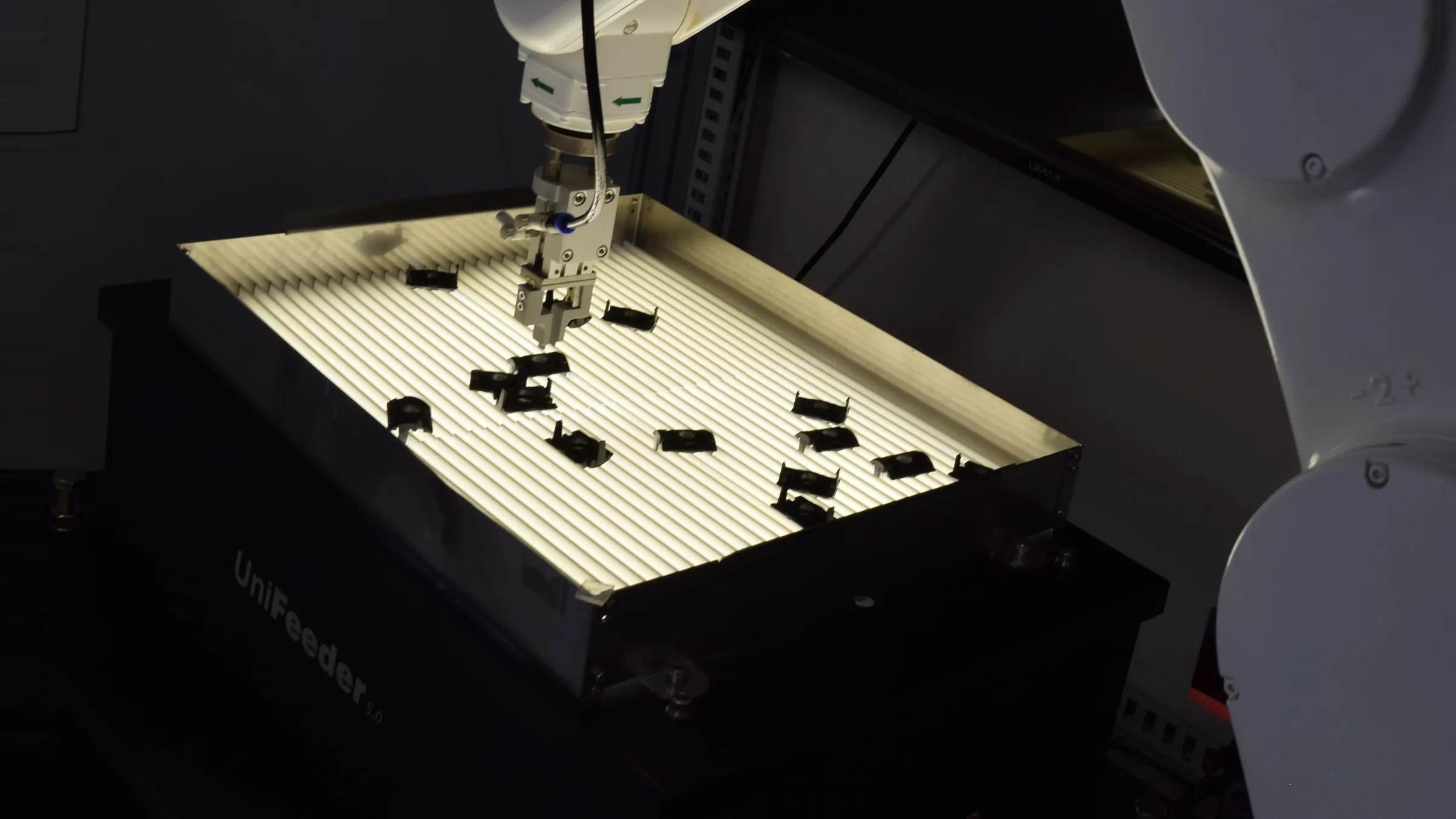
At a glance
Robot program editing and control live inside one program.
Vision and the feeder already run in here. The robot was the one thing always left outside. Now the program and the coordinates are edited on the same screen — no separate pendant to pick up.
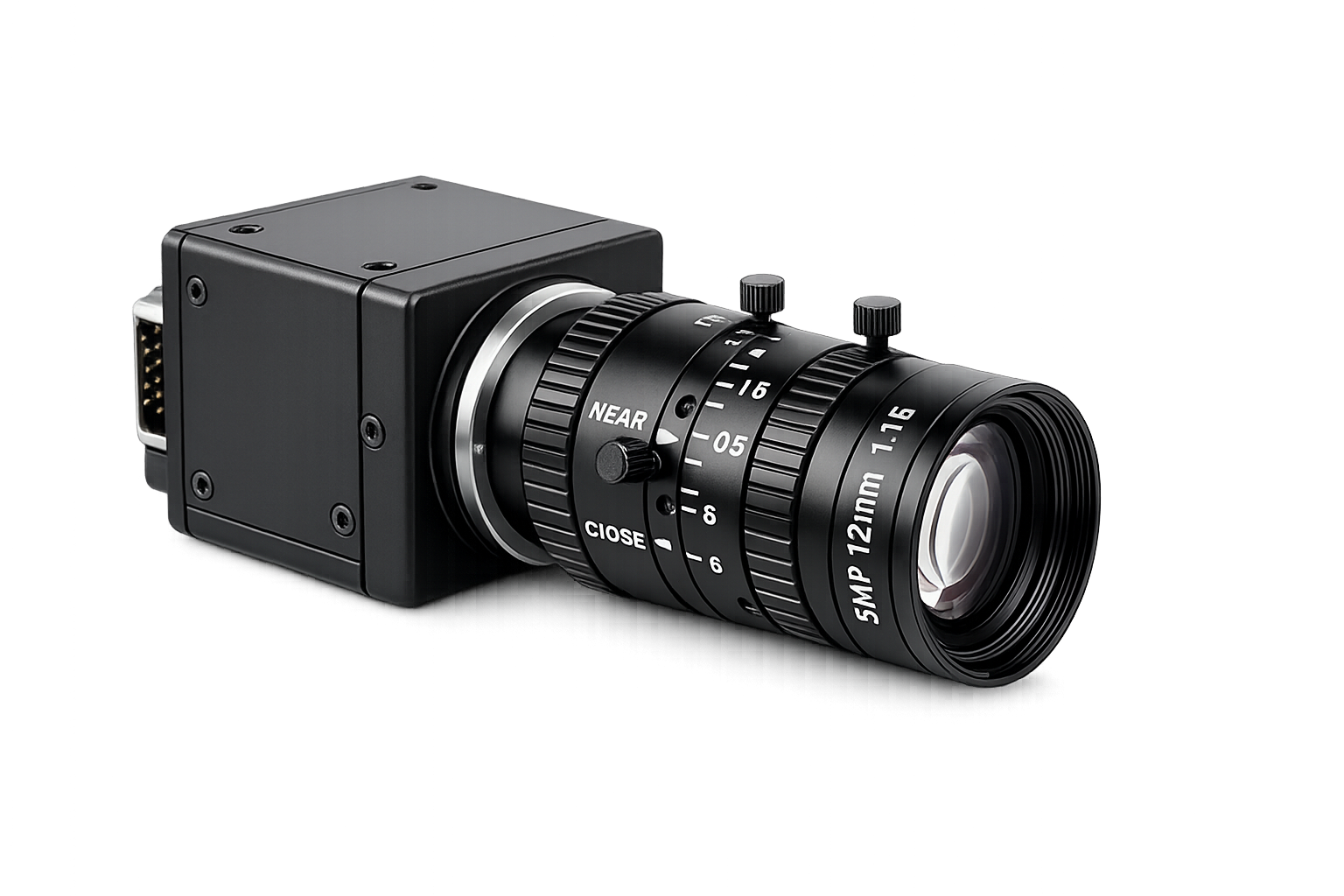 Camera · Vision Capture · Judgement
 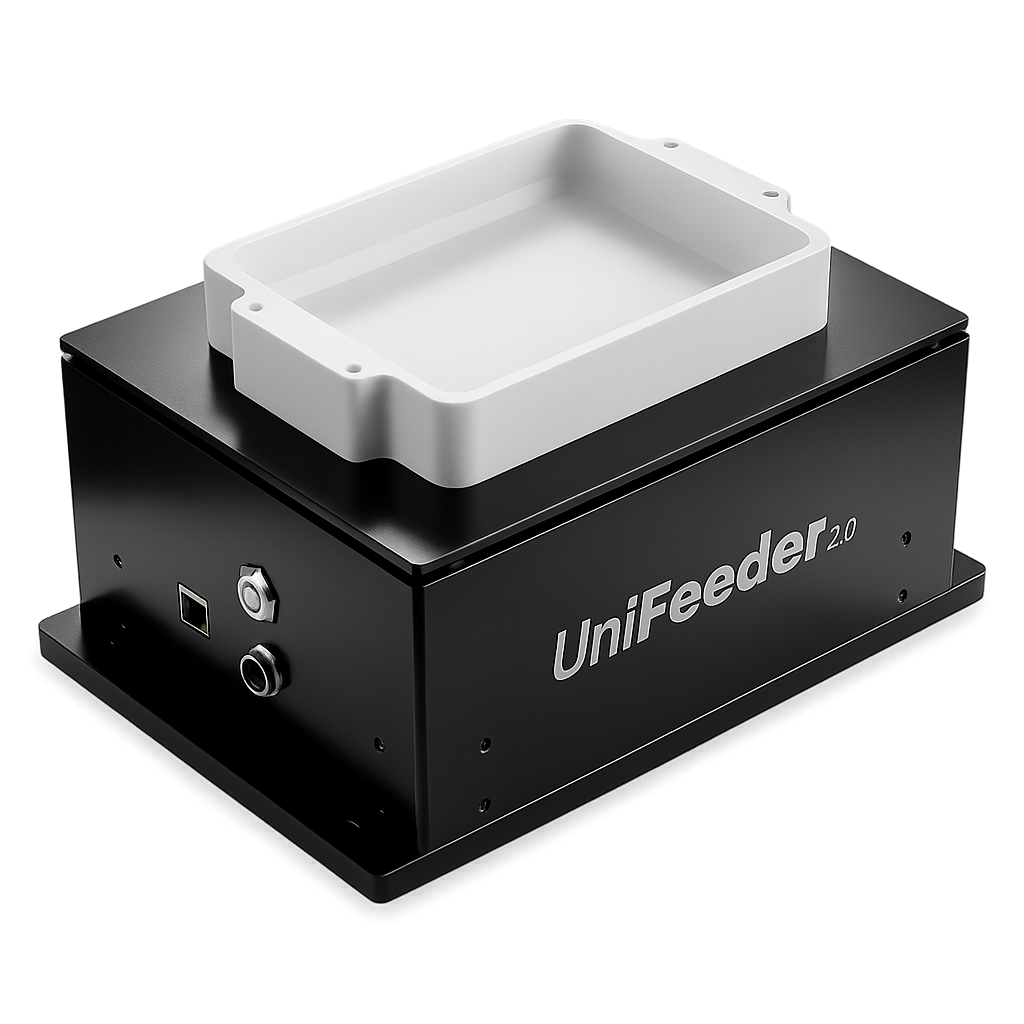 Flexible feeder Vibration · Feed rate
 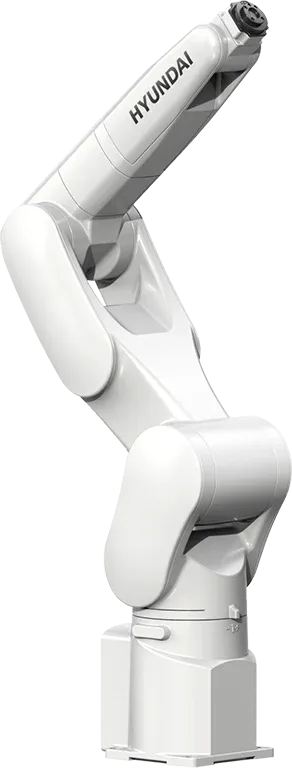 RobotSuite Industrial robot Program · Coordinates
 No expert needed
Press, choose, and change a value — nothing more
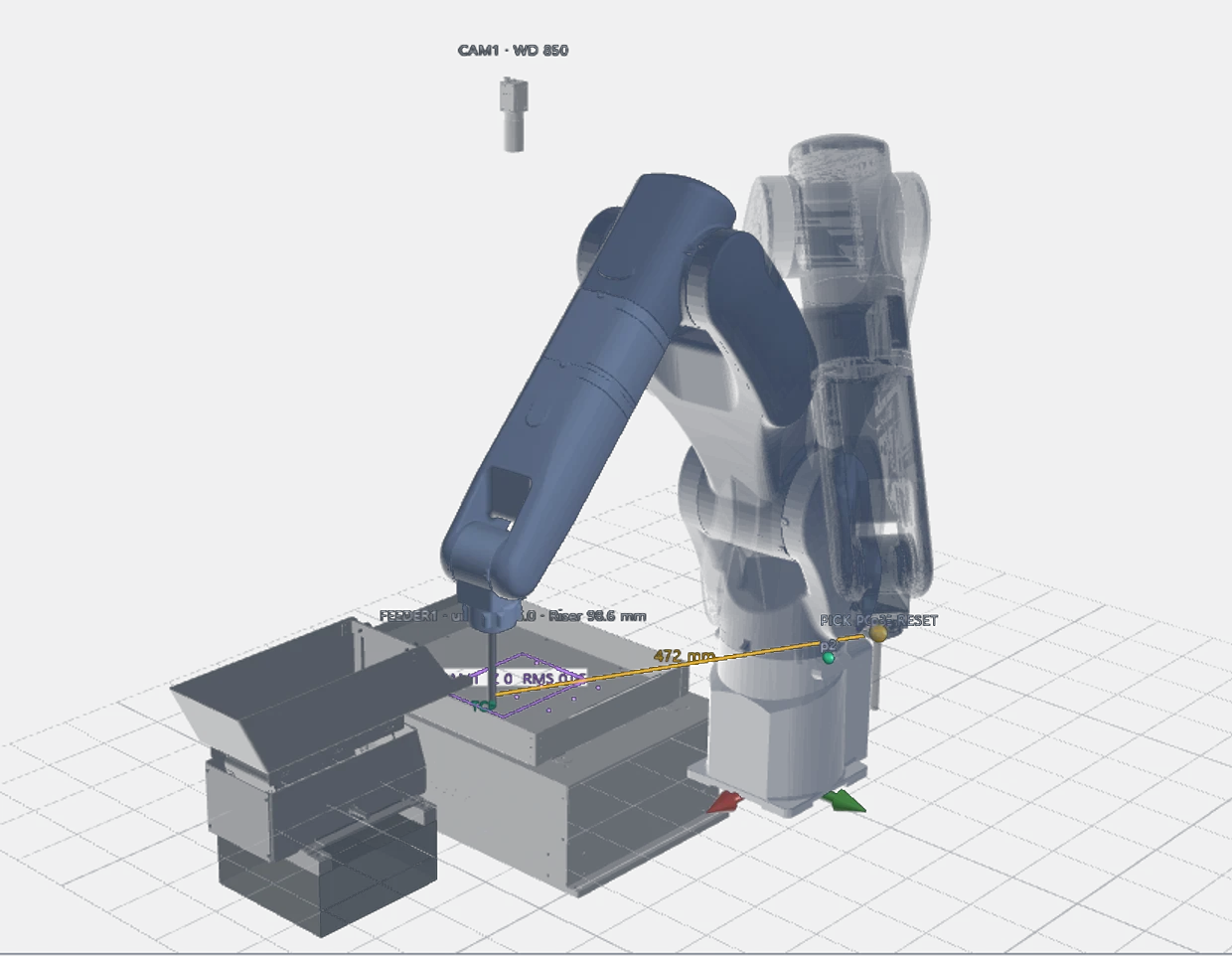
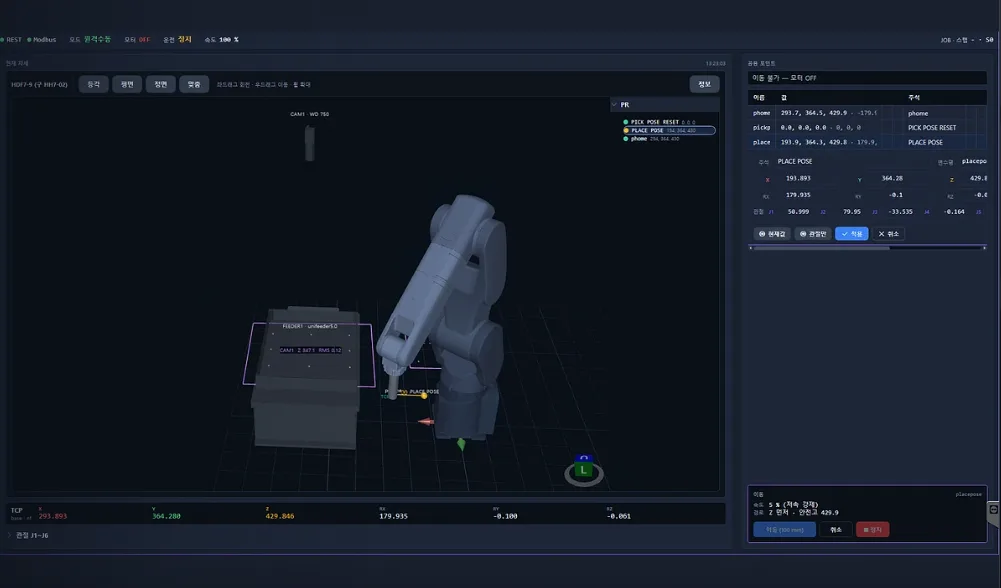
3D teaching
Before it moves,
see the pose on screen
- Robot · feeder · camera layout
- Current pose and status
- Saved points
- What the camera sees
When the position is right, record that pose as a point. No standing in front of the robot with a pendant.
These are the three things kept on one screen.
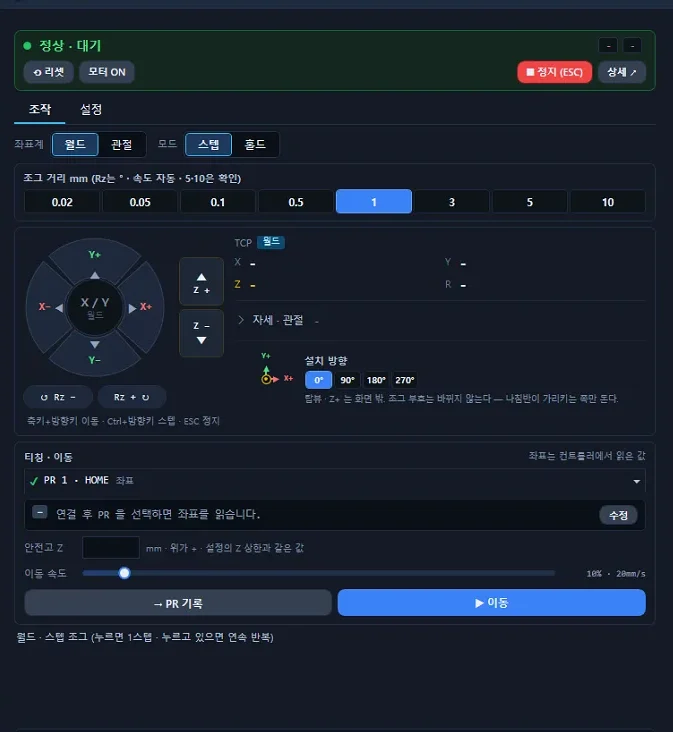
Move it with buttons
Pick world or joint, then step 0.02 – 10 mm at a time.
No pendant needed for every robot
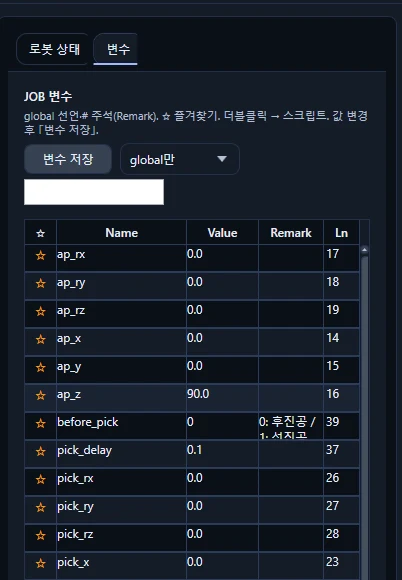
Change only the value
Values that used to be typed into the program are pulled into a table automatically.
Values change without knowing robot variable syntax
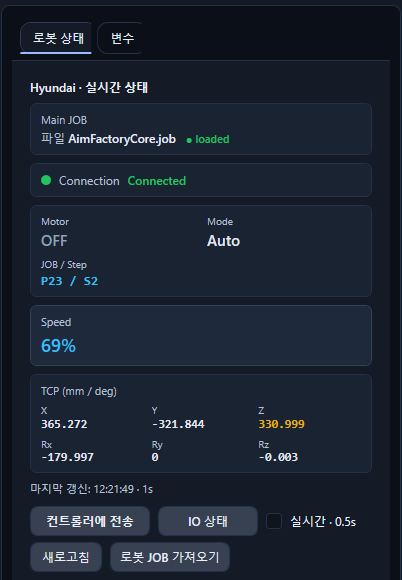
See the state right now
Connection, motor, mode, speed, and coordinates refresh in real time.
See why it stopped without walking to the robot
Everything set here goes into that product's single recipe — so there is less to do outside.
It isn't hard
Without an expert, you still have us
There is no complex control to write from scratch. The PLC exchanges just five signals, and if anything gets stuck after that, we look at the same screen with you.
PLC
The PLC exchanges only five signals
PLC
Supervisory control
TCP/IP or Digital IO
Robot · Camera · Feeder
Physical interfaces such as Safety IO are configured to suit the site.
Remote support
If you get stuck, we look at the same screen with you
We help while watching that screen live. The robot pose and the device layout are right there on it.
Support runs over a licensed TeamViewer seat. A Wi-Fi dongle ships with the system, and a hotspot works too.
The scope and method of support are agreed during rollout, based on the site's network conditions.
The point
Build in 5 min·Switch in 6 s·Variants ∞
5 minutes applies when a similar recipe is duplicated.
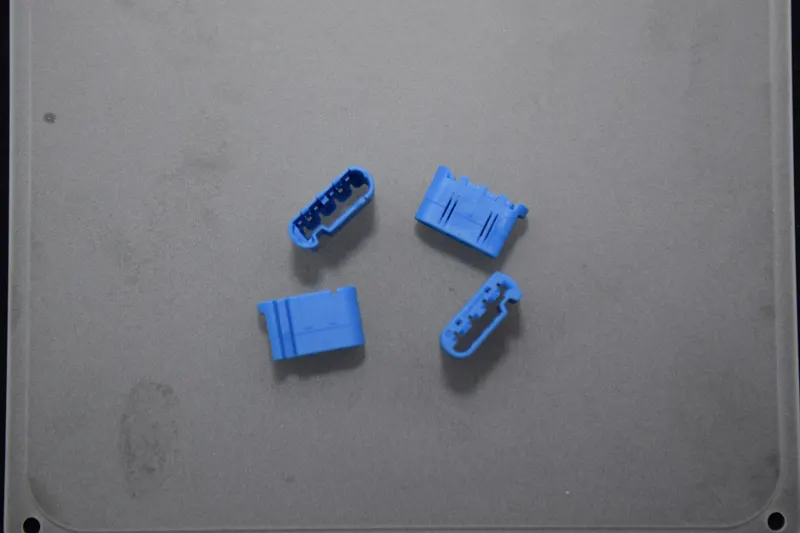 19 × 11.3 × 6.9
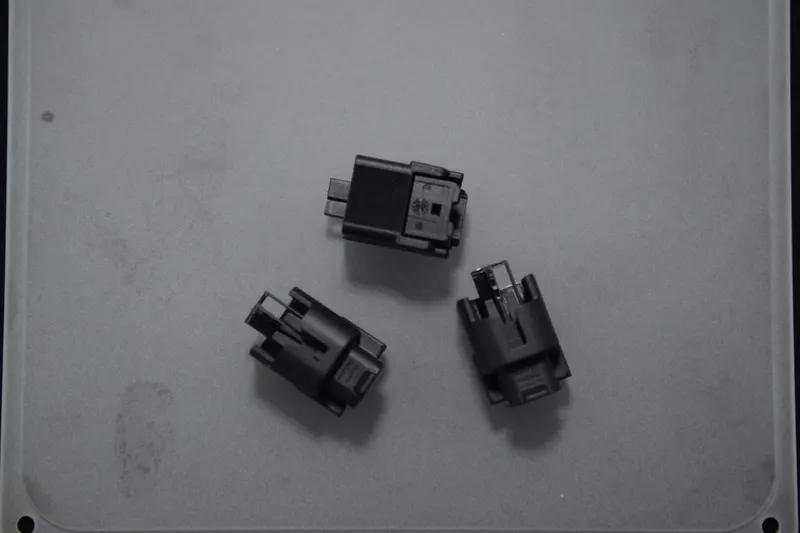 26.1 × 16 × 16
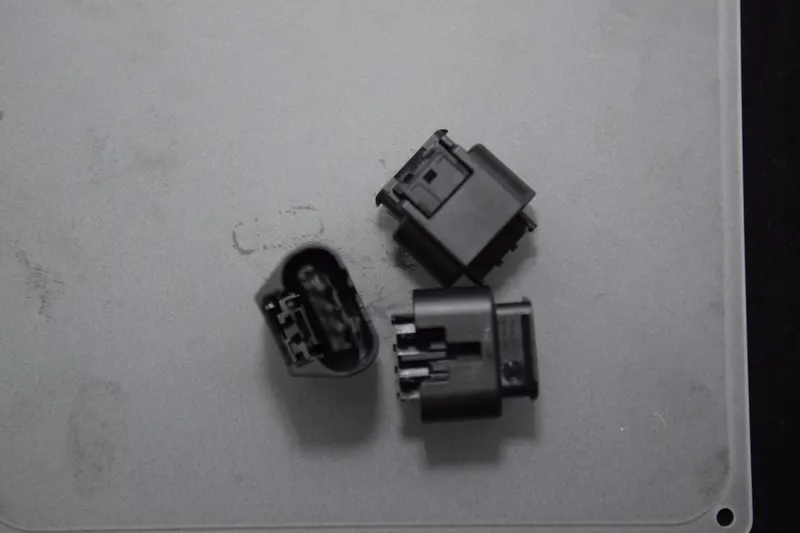 26 × 24.7 × 17.2
Similar, but different parts
One recipe each. Duplicating a similar one takes 5 minutes, and a site with more than 300 part types runs this way.
Duplicate the recipe
Copy a similar one and change only what differs.
The robot program comes along
Only the coordinates that need it are edited.
If you get stuck, we look together
We point it out remotely, watching the same screen. You don't have to solve it alone.
Even as products are added, there is no need to call in a robot engineer.
Supported robots
RobotSuite connects to two robots today
Everything described so far — robot program · variables · status — works on Hyundai Robotics and Agilebot. For other robots, AimFactoryCore hands over pick coordinates and the robot-side program stays as it is.
RobotSuite · down to the program
 Hyundai RoboticsHH4 · HH4E · HH7 · HH7E · HH8 (Hi6 controller)
 AgilebotDirect TCP/IP connection
| Function | Other robots | Hyundai Robotics | Agilebot |
|---|---|---|---|
| Pick coordinate delivery | ● | ● | ● |
| Read current coordinates | – | ● | ● |
| Robot status · alarms | – | ● | ● |
| Robot variables · recipe switching | – | ● | ● |
| JOB load · run | – | ● | ● |
| View robot I/O | – | ● | – |
| Edit · save robot program | – | ● | – |
| Direct start · stop control | – | ● | – |
For other robots, AimFactoryCore hands over pick coordinates only. Ten brands connect over standard TCP/IP; two are handled separately through vendor-specific protocols.
Configuration
It isn't a separate purchase
RobotSuite is an AimFactoryCore option. No extra controller, no robot swap. It connects to the robot you already have over a communication link.
Integration scope by robot
RobotSuite specifications
Values that apply regardless of robot brand.
Connection
- Command input
- Digital IO / TCP/IP
- Coordinate output
- TCP/IP
- Link
- Direct Ethernet — no middleware
Calibration
- Method
- 9 robot reference positions
- Accuracy
- 0.15 mm or better
- Targets
- Robot · Tool · Offset
Operating environment
- Licence
- AimFactoryCore option
- OS
- Windows 10 IoT
- Languages
- English / Korean
Teaching · Jog
- 3D view
- Isometric · Top · Front · Custom
- Frames
- World · Joint
- Jog step
- 0.02 – 10 mm
- Points
- Record current pose as PR · recall and move
- Safe motion
- Safe-height Z · forced low speed
Recipes
- PLC call slots
- 1 – 127
- Stored recipes
- Unlimited
- Switch time
- 6 s
- Saved together
- Robot program · coordinates · variables
The values above are for the two brands RobotSuite connects to (Hyundai Robotics · Agilebot).
Hyundai Robotics specifications
Connects directly to the Hi6 controller. Detailed screens are on the brand page.
Integration
- Controller
- Hi6
- Supported models
- HH4 · HH4E · HH7 · HH7E · HH8
Variables
- Display
- JOB variable table (global)
- Actions
- Edit value · save variables · favourites
Robot program
- Edit
- Load · edit · save on the PC screen
- Transfer
- Send to controller · restore
- Authoring aids
- Auto syntax · script check
Status · I/O
- Refresh
- Real time, 0.5 s
- Status items
- Motor · Mode · JOB/Step · Speed · TCP
- I/O channels
- DI 8 / DO 8
Agilebot specifications
Connects with just an IP address setting. Detailed screens are on the brand page.
Integration
- Method
- Direct TCP/IP connection
- Setup
- IP address setting — no separate driver
Coordinates
- TCP world
- X / Y / Z / Rx / Ry / Rz read · write
- Joints
- Real-time display
Robot program
- JOB
- Load to controller · run control
Status · Alarms
- Refresh
- 1 s cycle
- Status items
- Motor · E-STOP · Speed · IDLE · Main JOB
- Alarms
- Code · message · timestamp logged
Supplied by AIM
RobotSuite
We build the brand-specific plug-ins ourselves.
Set together at commissioning
Teaching points · robot program
Set with you on site and handed over.
What you keep as is
Robot body · controller · PLC
The robot stays. The vision and feeder configuration is on AimFactoryCore.