Products / AimFactoryCore

Unified controller · Unified software

Vision alone, feeder alone, robot alone — run all three as one.

Plenty of places do only vision, only feeding, or only robots.

AimFactoryCore gathers camera, feeder, robot, and PLC signals into one unified controller, and operates vision, feeder, robot, and recipes from one screen with its unified software.

Unified controllerUnified software22+ robot brandsRecipe management
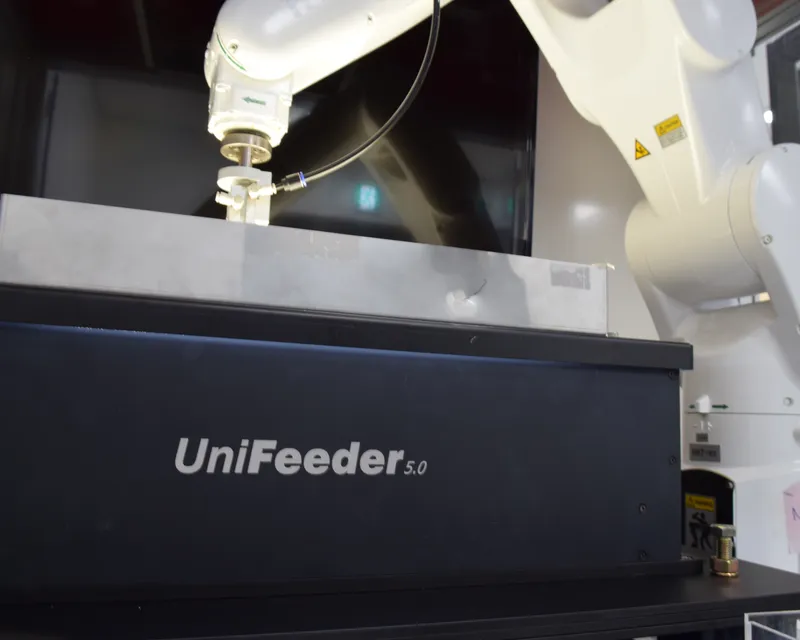
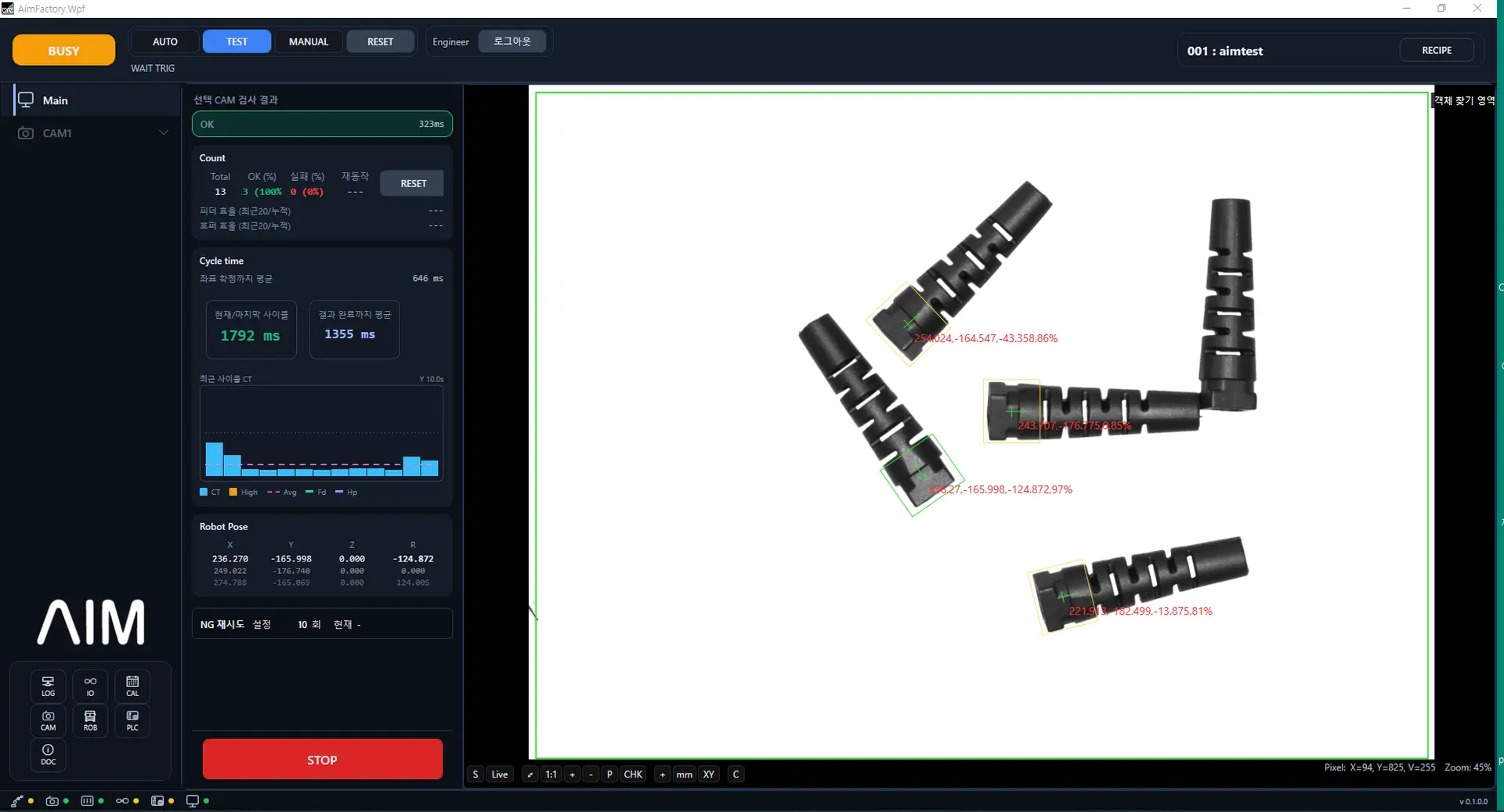
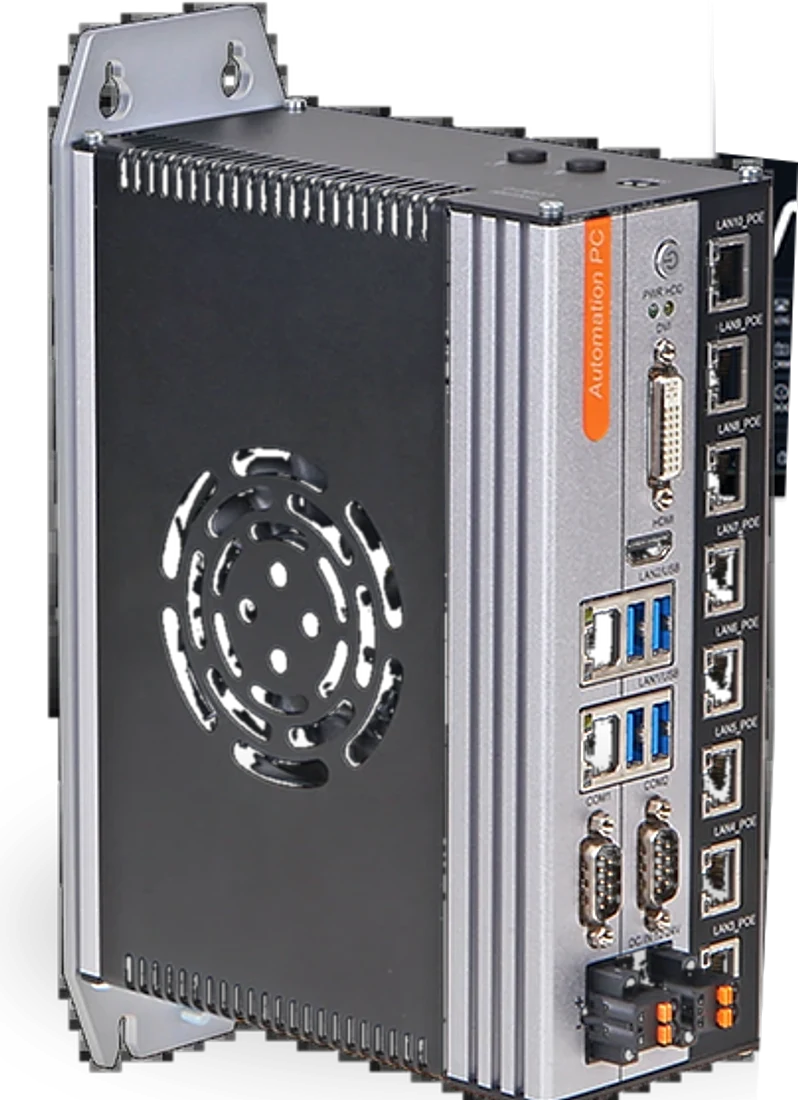
AimFactoryCore unified controller and software screen
The unified controller (left) and the unified software operating vision, feeder, and robot from one screen (right)

Why AimFactoryCore

Vision, feeder, robot — you have each. They just don't run as one.

✕  On-site problem

Settings scattered across 3 places

Every product change means editing vision conditions, feeder vibration, and robot variables separately.

→ Switch all at once with a single recipe

✕  On-site problem

Each person operates it differently

Setup methods differ by engineer, so every handover starts from scratch.

→ Recipe-based standardized operation

✕  On-site problem

It stops without a robot expert

Adding new products or troubleshooting depends on outside engineers.

→ Vision, feeder, and robot solved from one screen

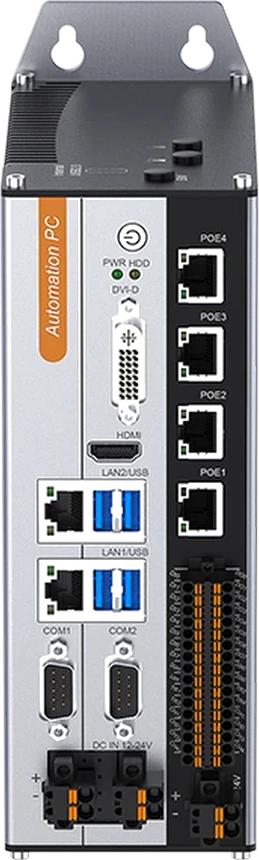
Unified controller

All signals in one place

Camera, robot, feeder, and PLC into a single unified controller

·
LAN-based communication
Connect with a standard LAN cable
·
Camera PoE support
Power and data over a single LAN cable
·
Compact design
About 20 cm × 7.5 cm
AimFactoryCore unified controller Windows-based
CameraRobotFeederPLC (Digital I/O)

Unified software

Operate vision, feeder, and robot from one screen

Each module runs independently, yet once tied into a recipe they switch together on product changeover.

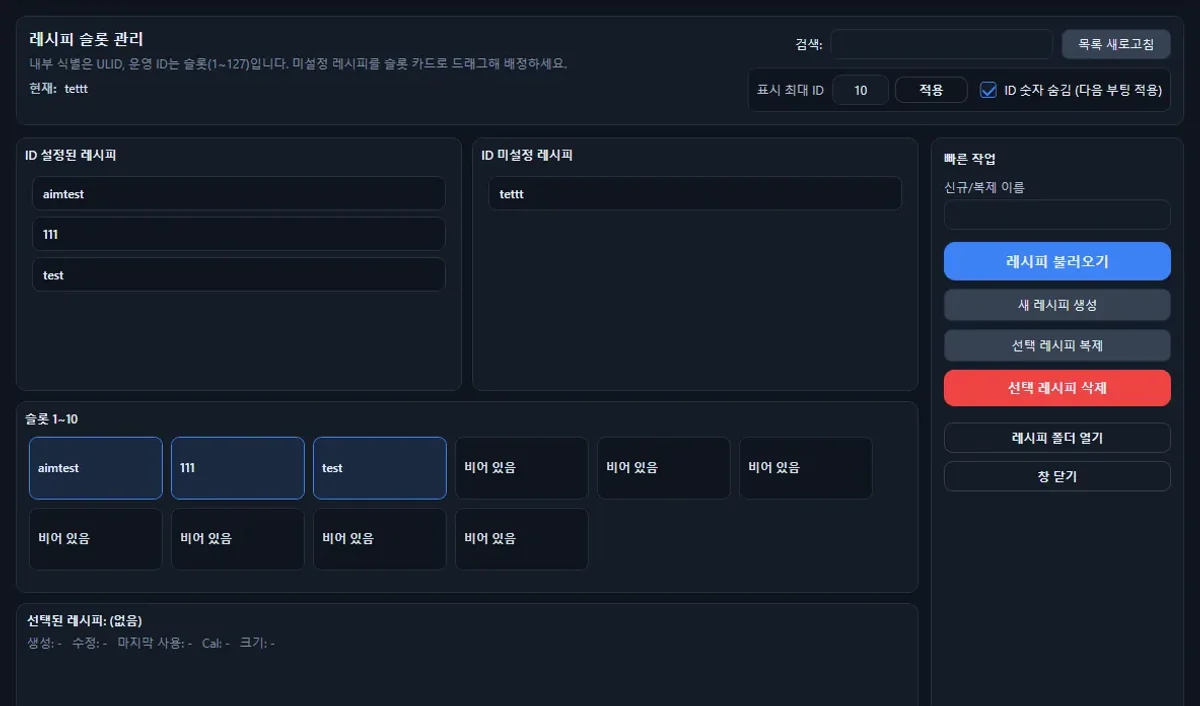
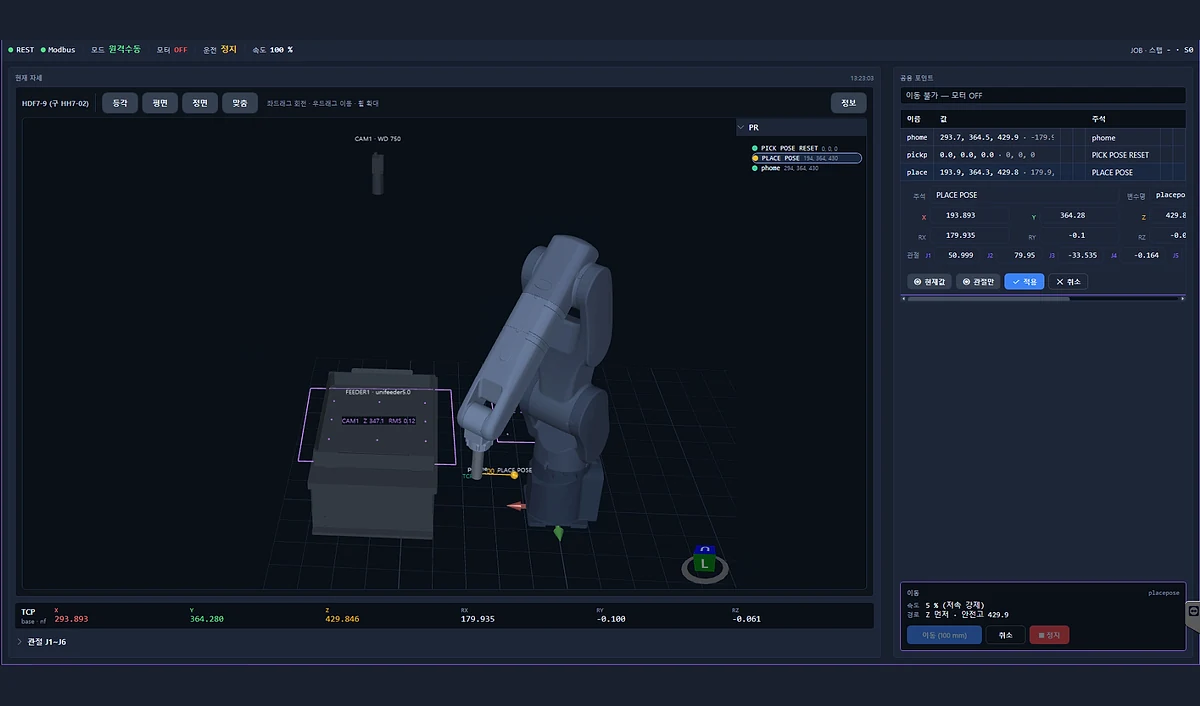
Recipe Control

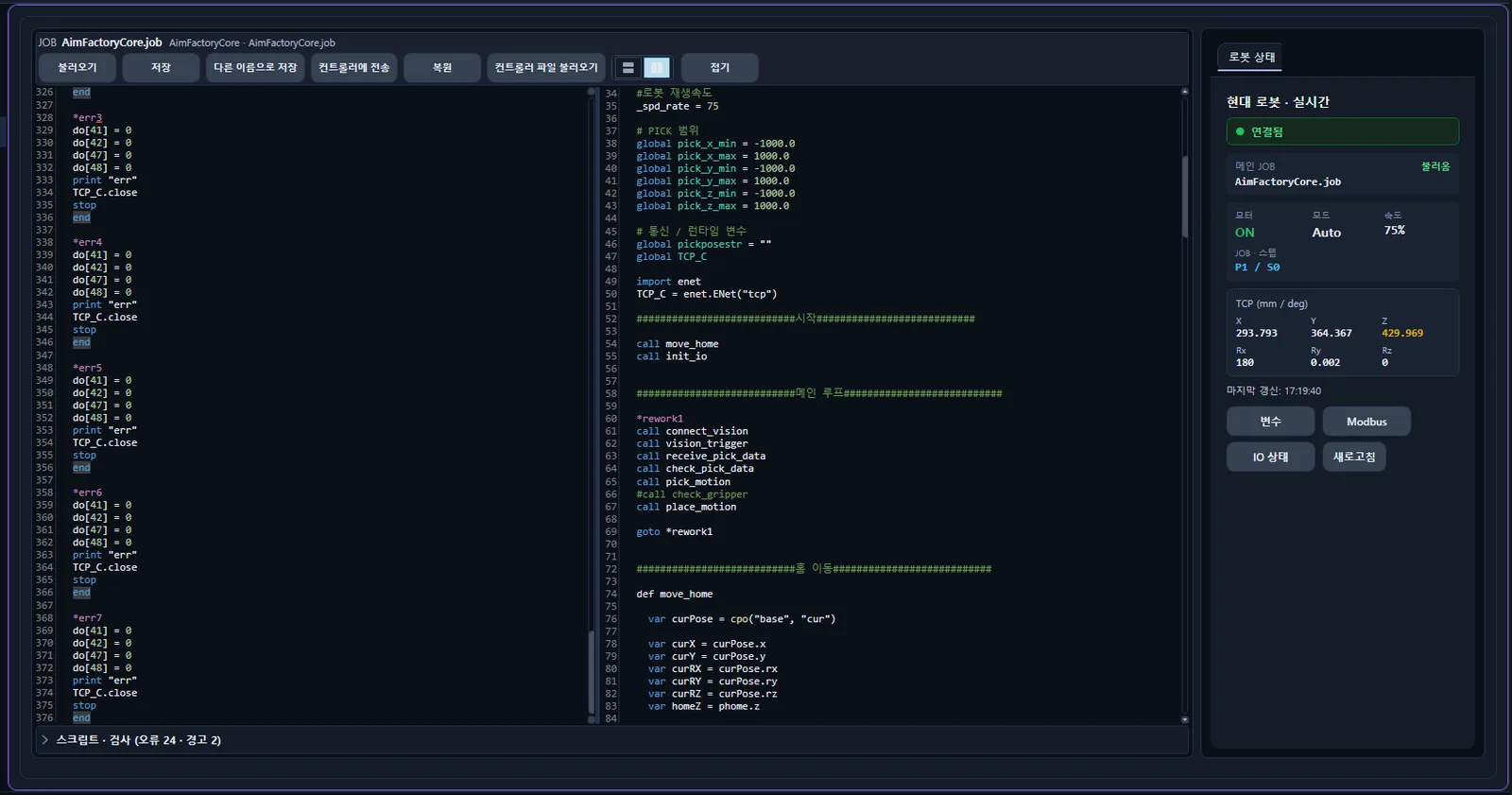
One robot job, conditions in software

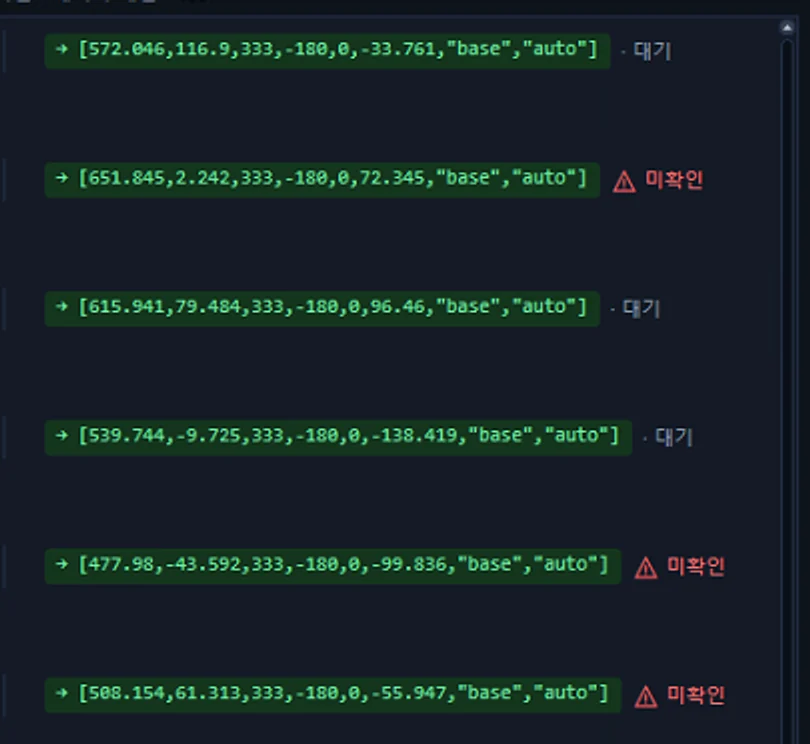
Previously you had to manage per-product vision recipes and robot recipes separately. AimFactoryCore manages robot internal variables and per-product conditions together, so you don't keep growing robot programs on the floor.

  • Operate a single robot job
  • Per-product variable read/write
  • Pick-up Z condition management
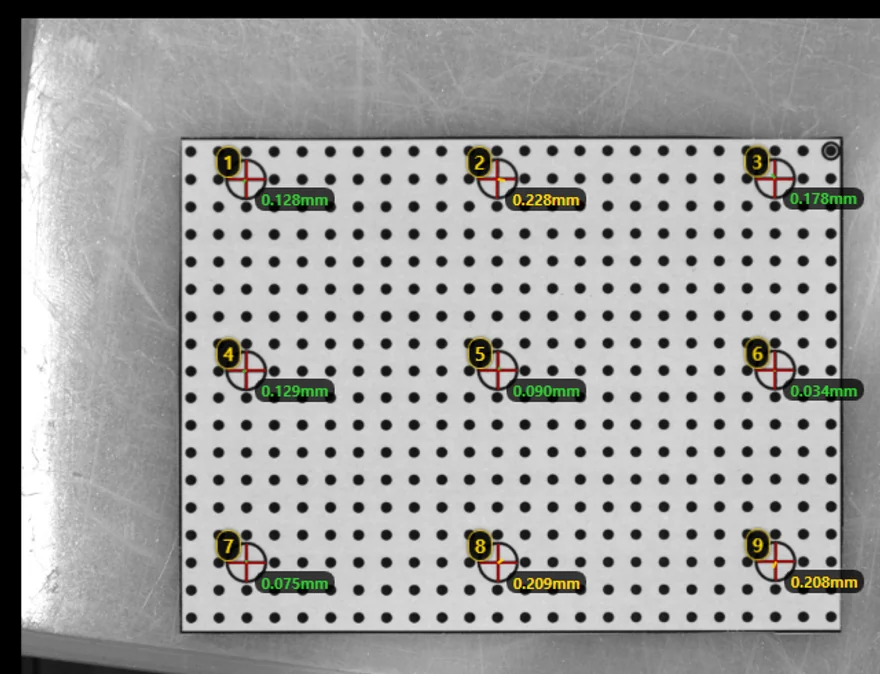
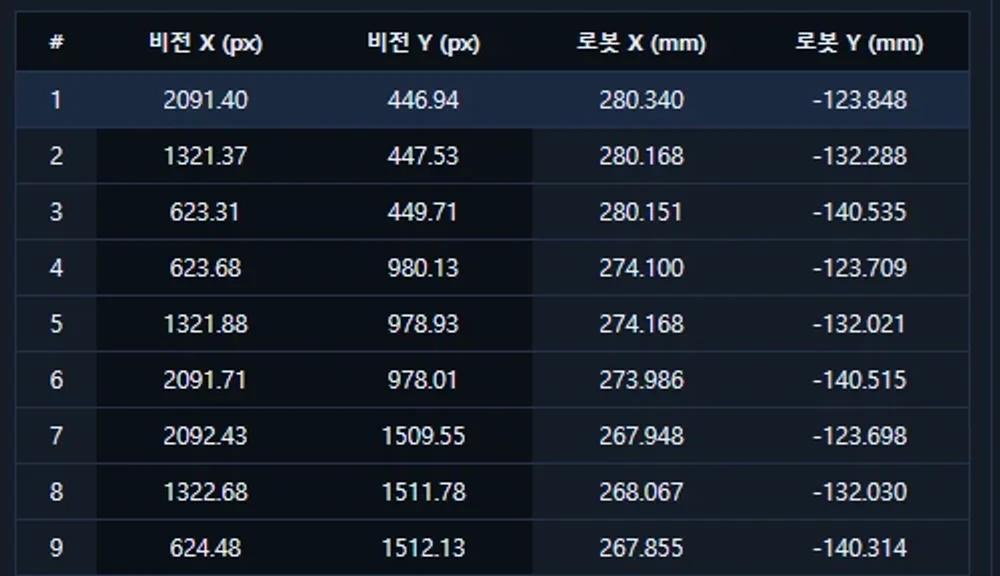
  • Verify calibration positions
One robot job, conditions in software

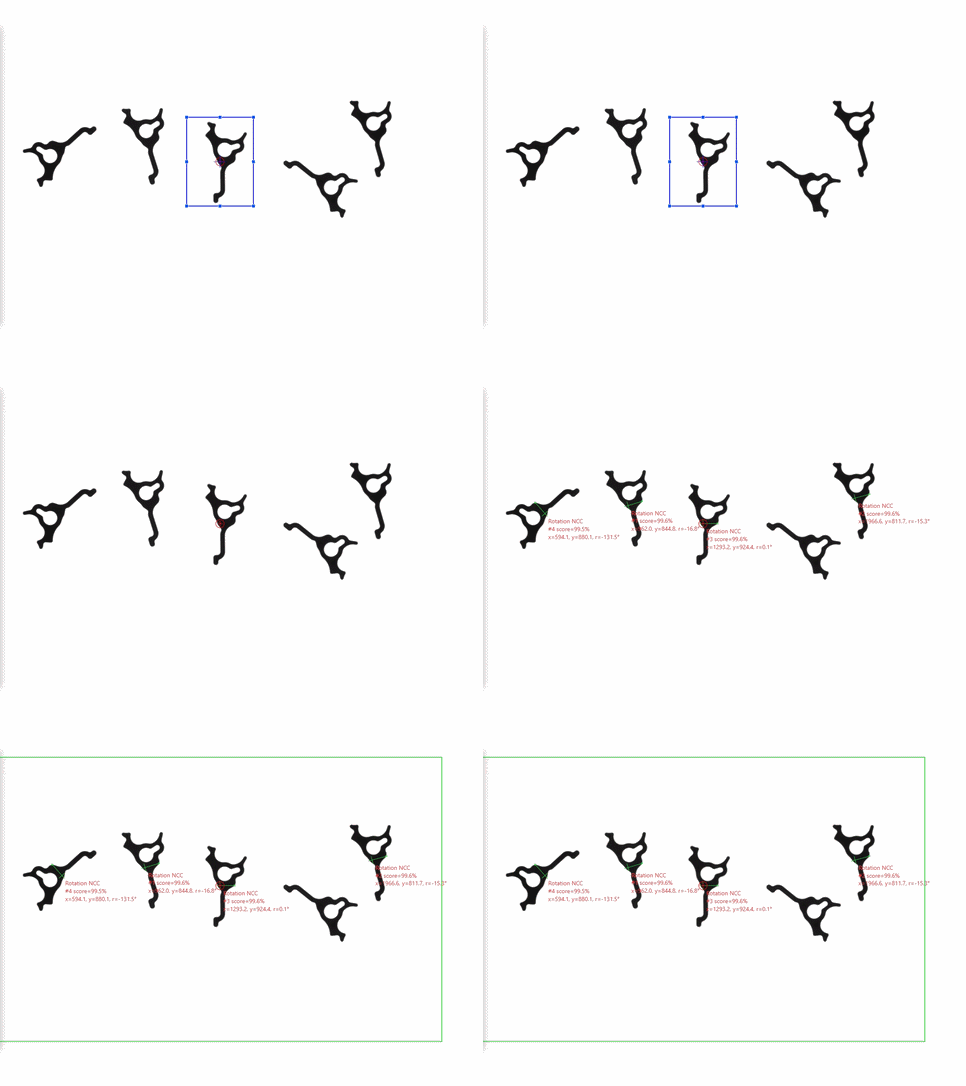
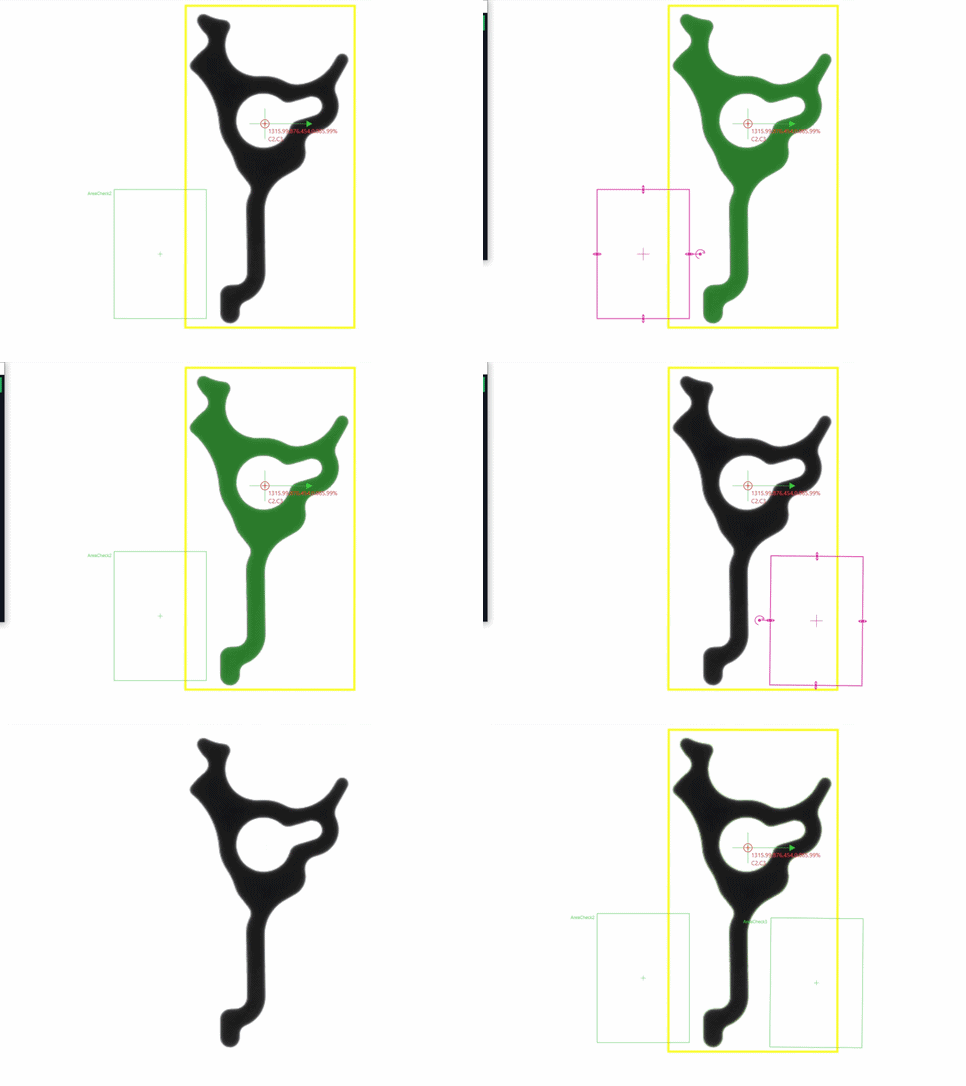
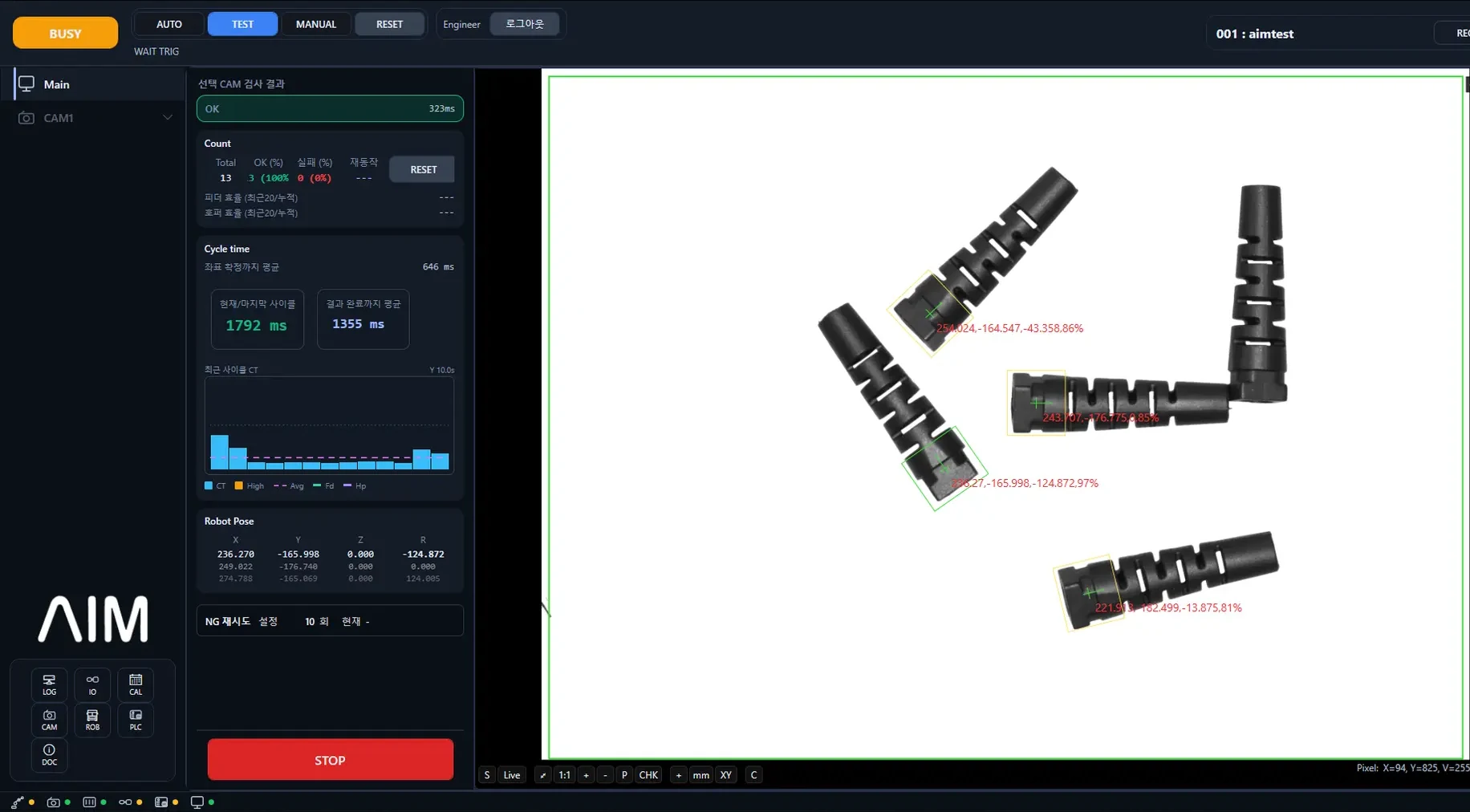
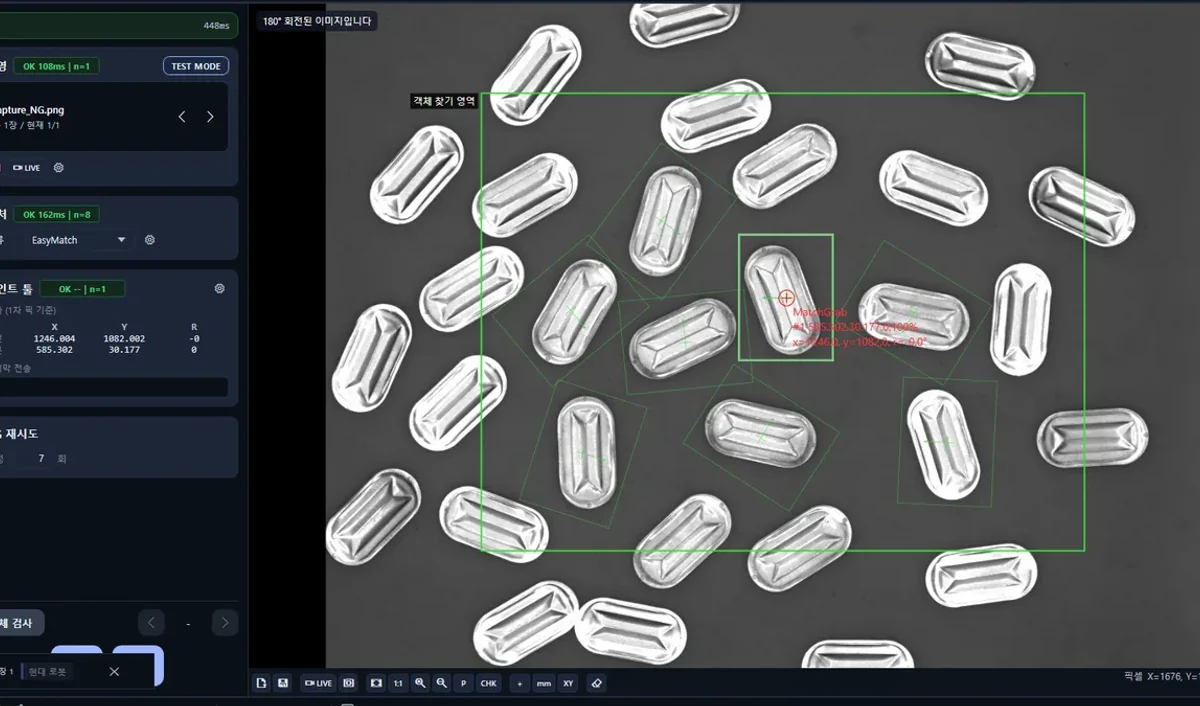
Vision Setting

More precise product registration and coordinate generation

After vision matching, it runs per-region inspection and re-organizes coordinates with center-correction logic. Round parts, overlap, and gripper interference are all checked against on-site conditions.

  • Simplified product registration
  • Post-match region inspection
  • Center correction
  • Gripper interference & overlap check
More precise product registration and coordinate generation

Monitoring

See current status and production flow on one screen

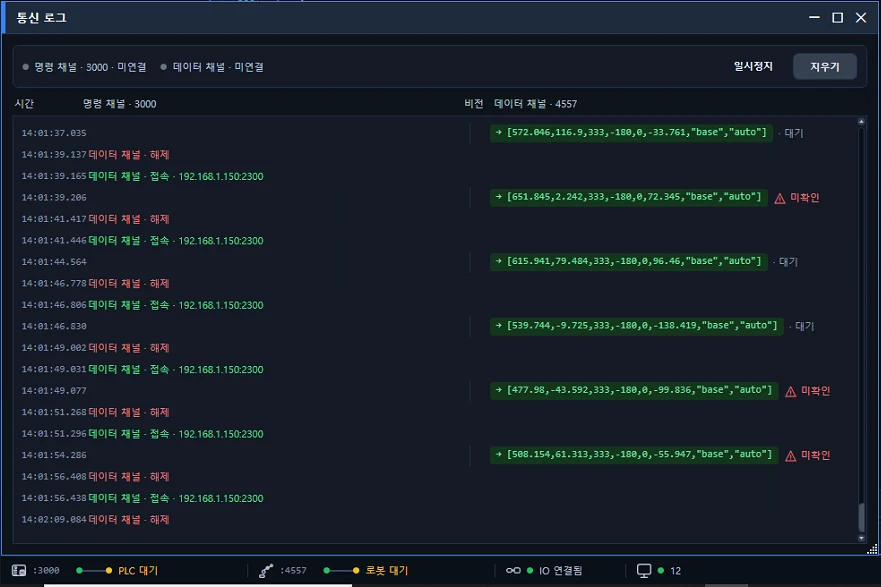
View robot, PLC, and IO interface status alongside production speed and cycle flow, so you can quickly judge the equipment's current state.

  • Robot/PLC interface
  • IO monitoring
  • Production speed
  • Cycle time analysis
See current status and production flow on one screen

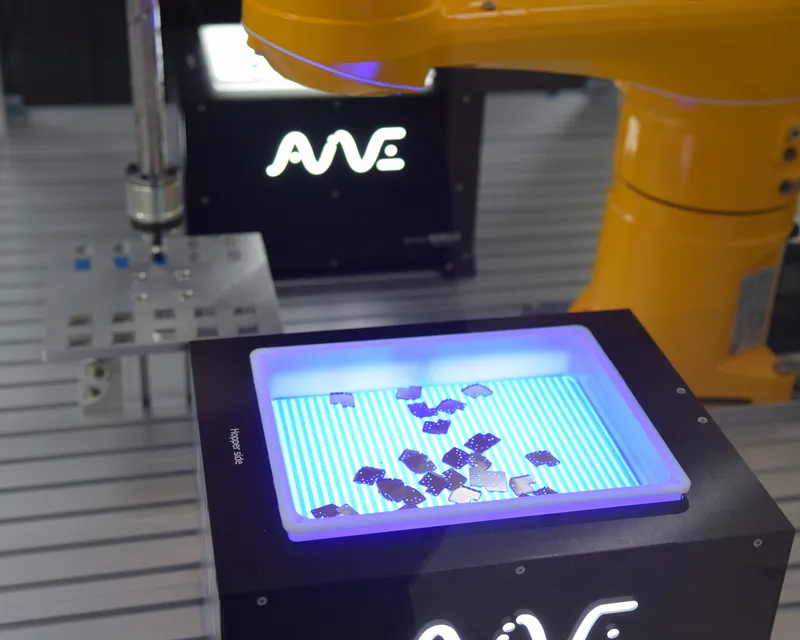
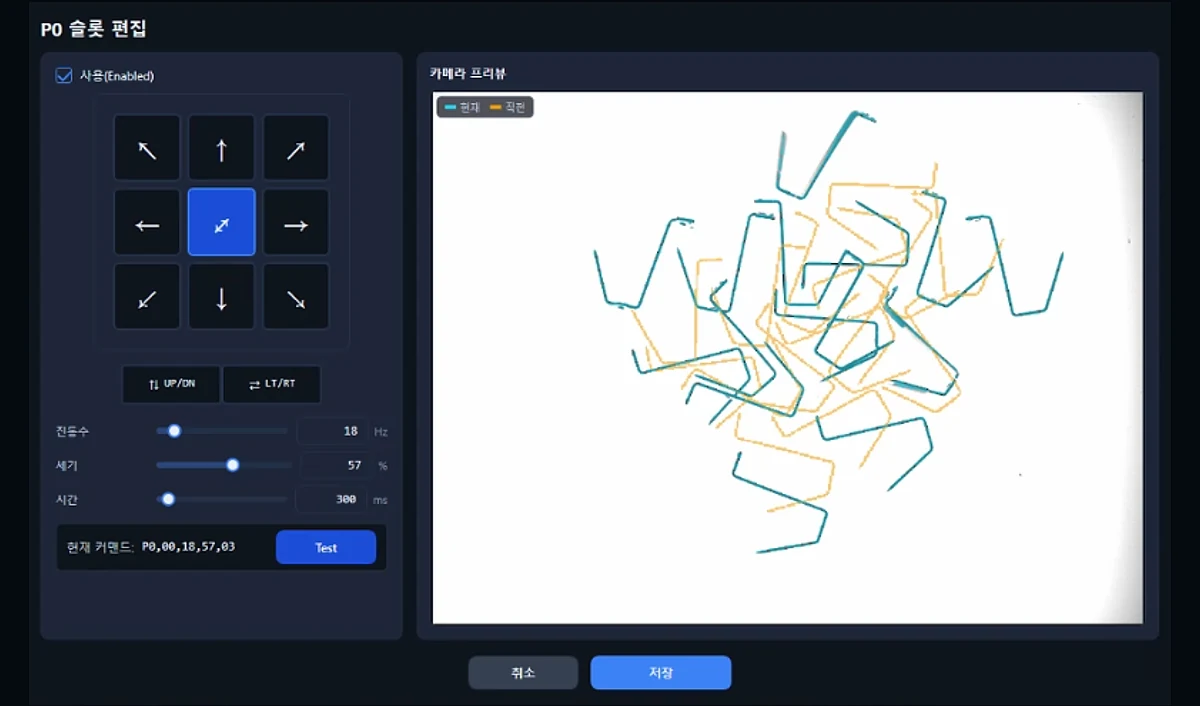
Feeder Control

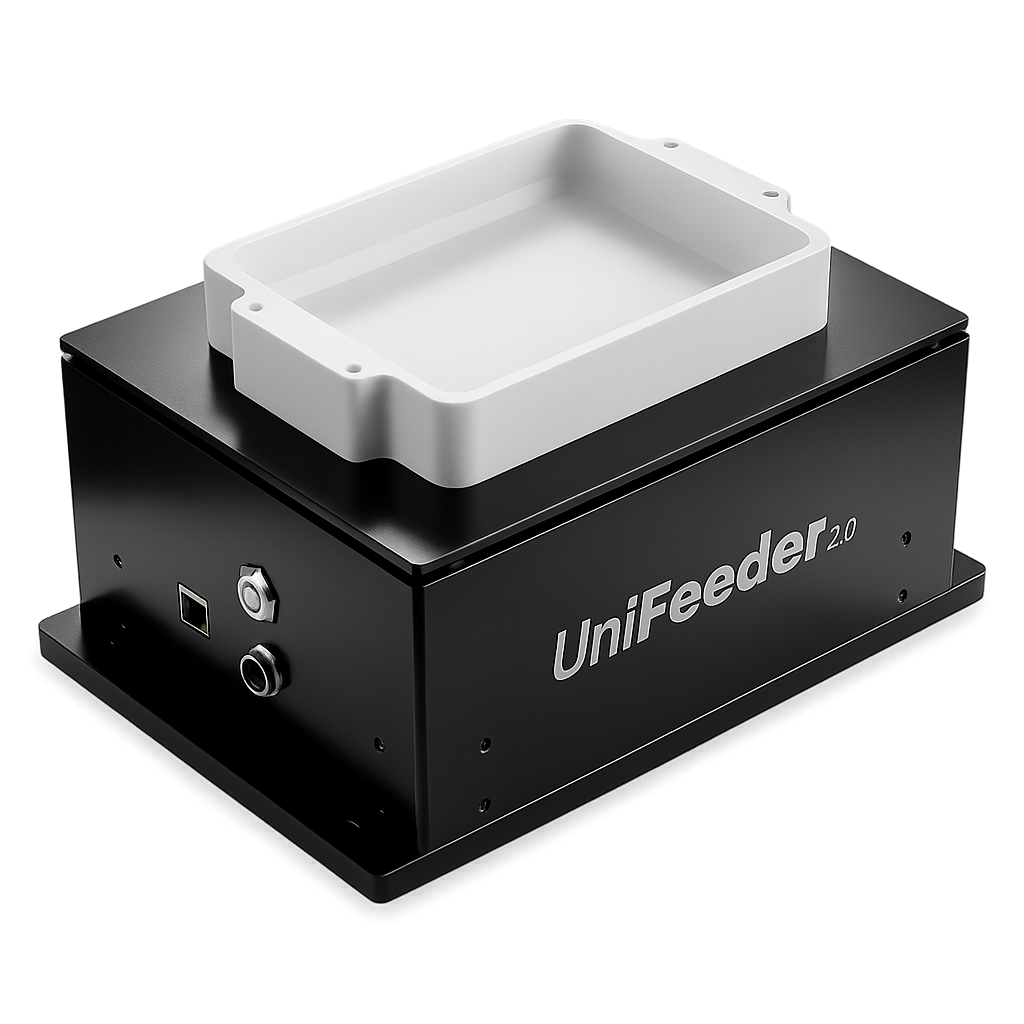
Unified control of UniFeeder and peripherals

Save and recall vibration direction, frequency, intensity, and time — plus backlight, top lighting, and hopper conditions — as part of the product recipe.

  • Vibration condition control
  • Backlight & top lighting
  • Hopper settings
  • Recipe save/recall
Unified control of UniFeeder and peripherals

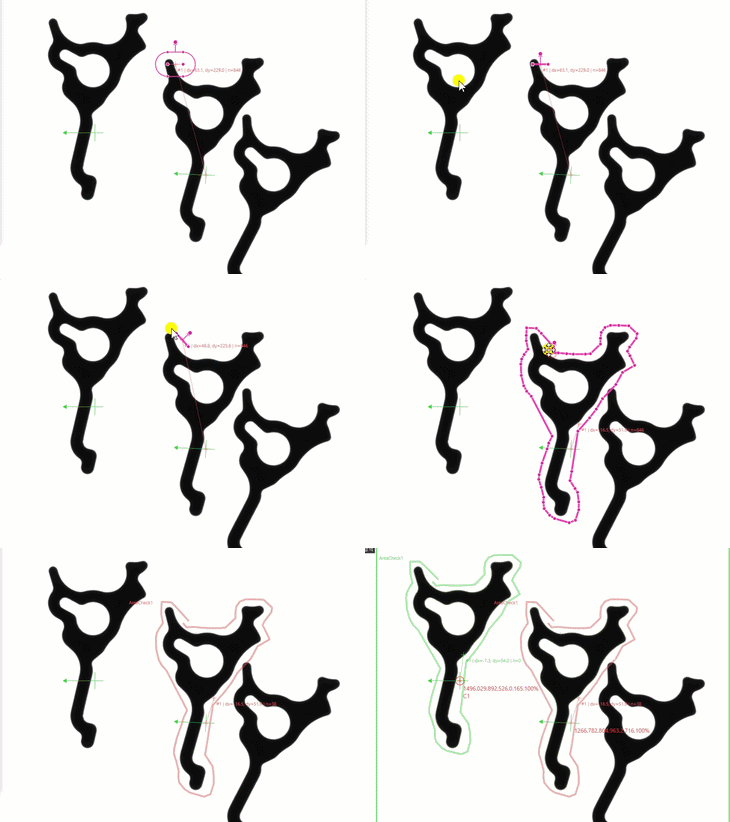
Vision Tools

Precision tools for stable pickup

Post-match region inspection

Post-match region inspection

Re-checks matched parts on a per-region basis.

Center correction

Center correction

Corrects round-part centers to improve coordinate accuracy.

Gripper interference check

Gripper interference check

Verifies gripper-accessible areas before pickup.

Overlap check

Overlap check

Filters out overlapping parts for stable pickup conditions.

Hopper setting

Hopper setting

Adjusts supply state and hopper conditions based on color detection.

Hardware Integration

Works with your existing equipment

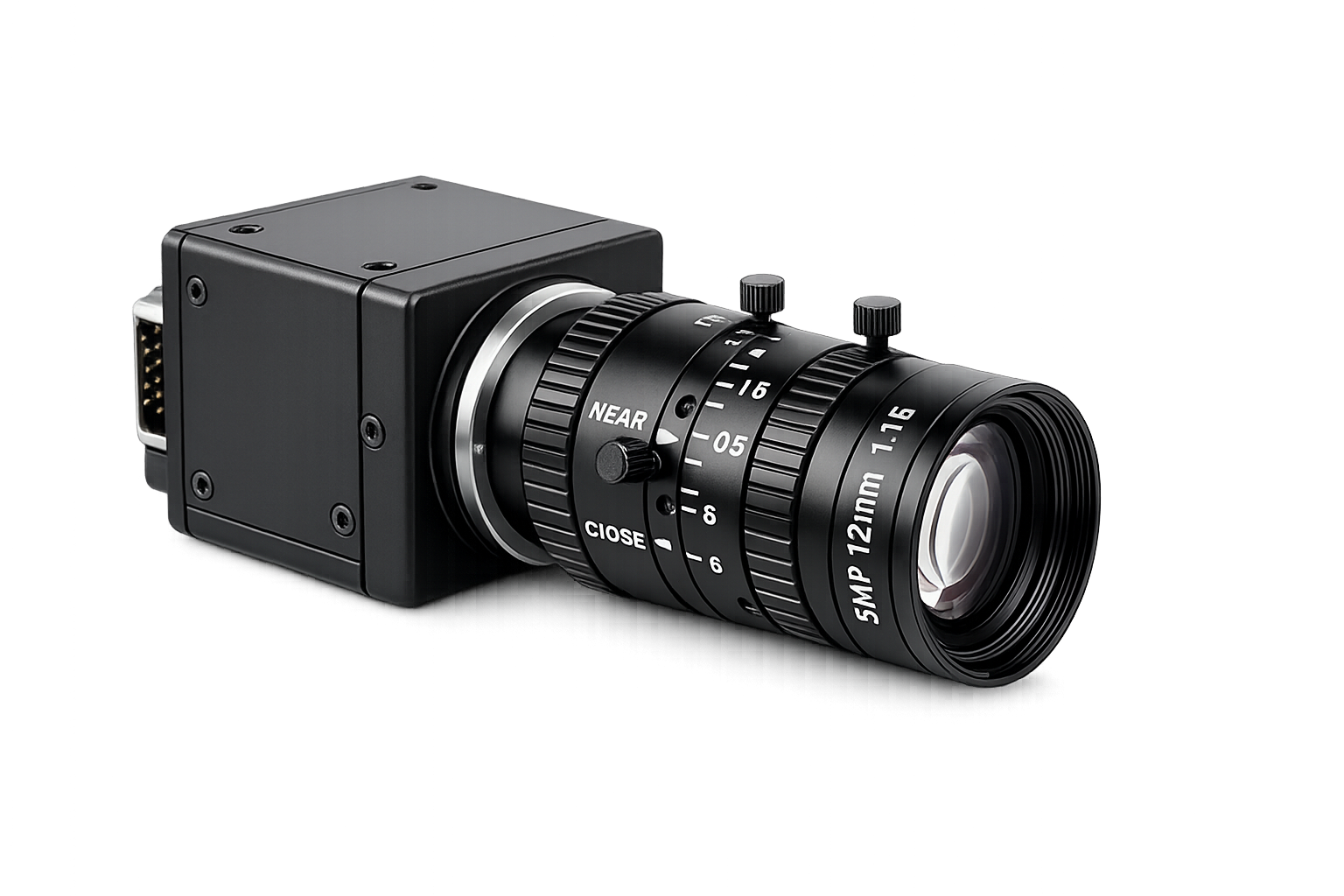
Vision Hardware

Vision Hardware

Keep your existing camera, lens, lighting, and controller configuration.

UniFeeder

UniFeeder

Control vibration, lighting, and hopper directly from AimFactoryCore.

Robot / PLC

Robot / PLC

Flexibly connect robot data and automatic sequences.

Robot Integration

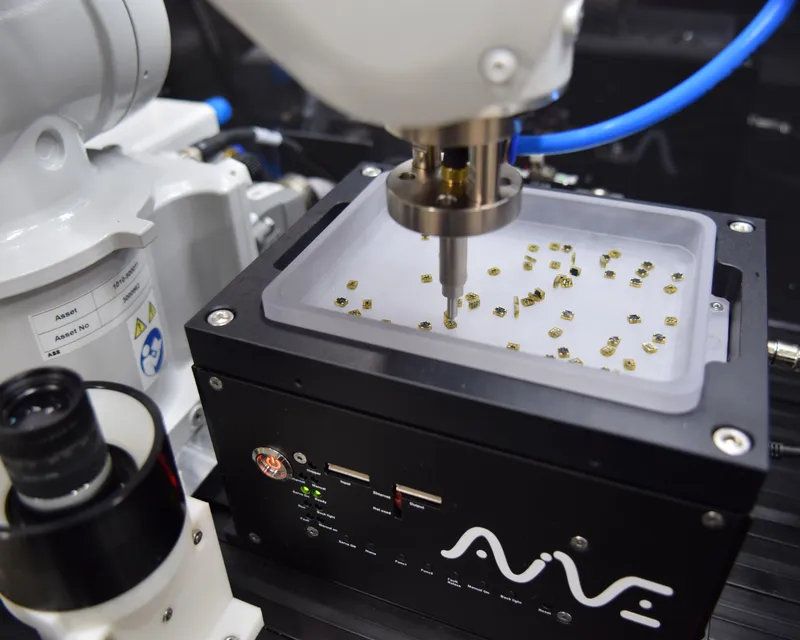
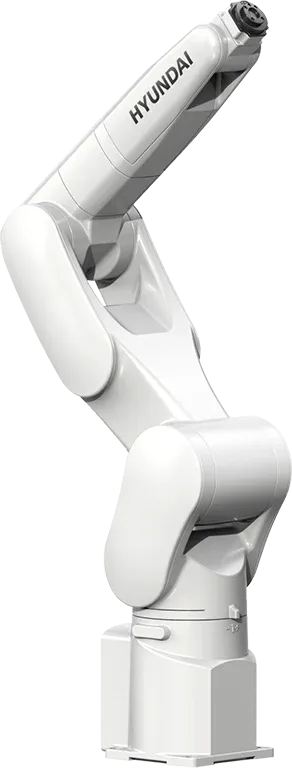
Operated and integrated with 22+ robot brands

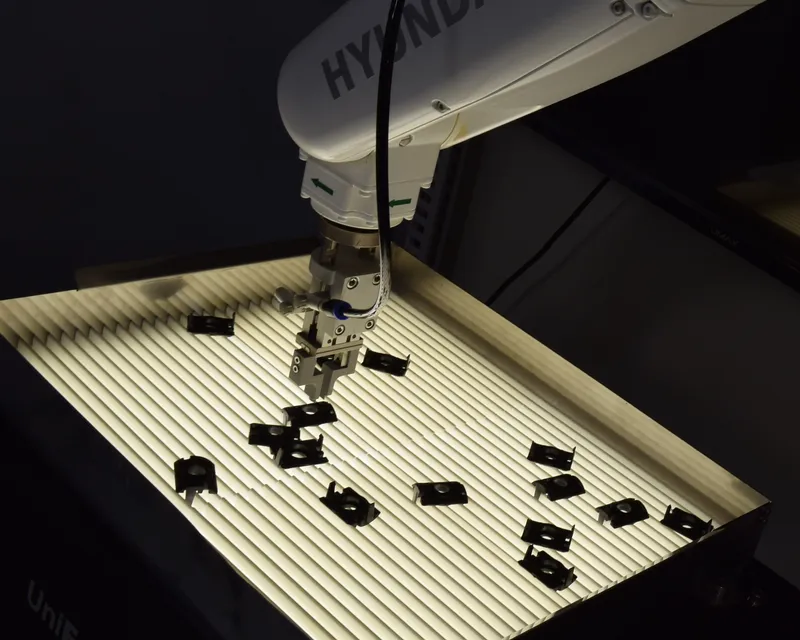
Hyundai Robotics and IAI are operated directly; other brands integrate via TCP/IP or vendor protocols.

Hyundai Robotics logo

Hyundai Robotics

Operated directly by AimFactoryCore

IAI logo

IAI

Operated directly by AimFactoryCore

  • ABB logo
  • IAI logo
  • KUKA logo
  • UR logo
  • EPSON logo
  • Denso logo
  • Kawasaki logo
  • Stäubli logo
  • Yamaha logo
  • TM logo
  • FANUC logo
  • YASKAWA logo
  • Mitsubishi logo
  • LS Electric logo

Applications

Where AimFactoryCore fits

Electronic component assemblyConnectorsSmall plastic partsAutomotive partsMedical devicesSemiconductor back-endHigh-mix low-volumeLabor-replacement automation