MULTI-MODEL
Multi-Model Pick & Place — 5-minute changeover with one Recipe
Vision, robot, and feeder conditions are bundled in one Recipe — model changeover in 5 minutes. The operator selects a model name; vision, robot, and feeder all switch together.
Model changeover time
= Vision + Robot + Feeder
Dozens of models in one cell
Coordinate accuracy after changeover
WHY
Why is multi-model operation difficult?
If every model change requires re-adjusting vision conditions, robot paths, and feeder patterns separately, operation becomes unstable. AIM bundles all these conditions from the setup stage to stabilize model changeovers.
-
Conventional approach
Separate for each model
Vision, robot, and feeder engineers each re-adjust conditions. 30 minutes to 2 hours of downtime.
-
AIM approach
Bundled in one Recipe
Vision, robot, and feeder conditions are bundled in one Recipe. The operator selects the model — all conditions auto-load.
-
Result
5-min changeover · instant resume
Including verification cycle, production resumes in 5 minutes. Operation stays stable as models multiply.
RECIPE
What's in one Recipe — line by line
Operators only need to know 4 things. The detailed conditions inside are managed automatically by AimFactoryCore.
- 01
Vision
How to see this model and which part to pick
- 02
Robot
Which approach posture to use and where to place
- 03
Feeder
How to disperse and supply parts
- 04
Operation
How to handle cycle, errors, and display information
FLOW
5-minute model changeover flow
From model selection to production resume — 4 steps the operator follows.
- 1 10 sec
Select Recipe
The operator selects the model on the AimFactoryCore screen. Only the model name is needed.
- 2 1 min
Auto Changeover
The Recipe auto-loads across HMI → PLC → Robot → Vision → Feeder. No manual adjustments.
- 3 2–3 min
Verification Cycle
Recognition, pickup, and placement are verified with one or two test parts. Failures are flagged and recovered.
- 4 Immediately
Resume Production
Once coordinate accuracy is confirmed, production resumes. Shift handovers follow the same flow.
OPERATION
Operated from one screen
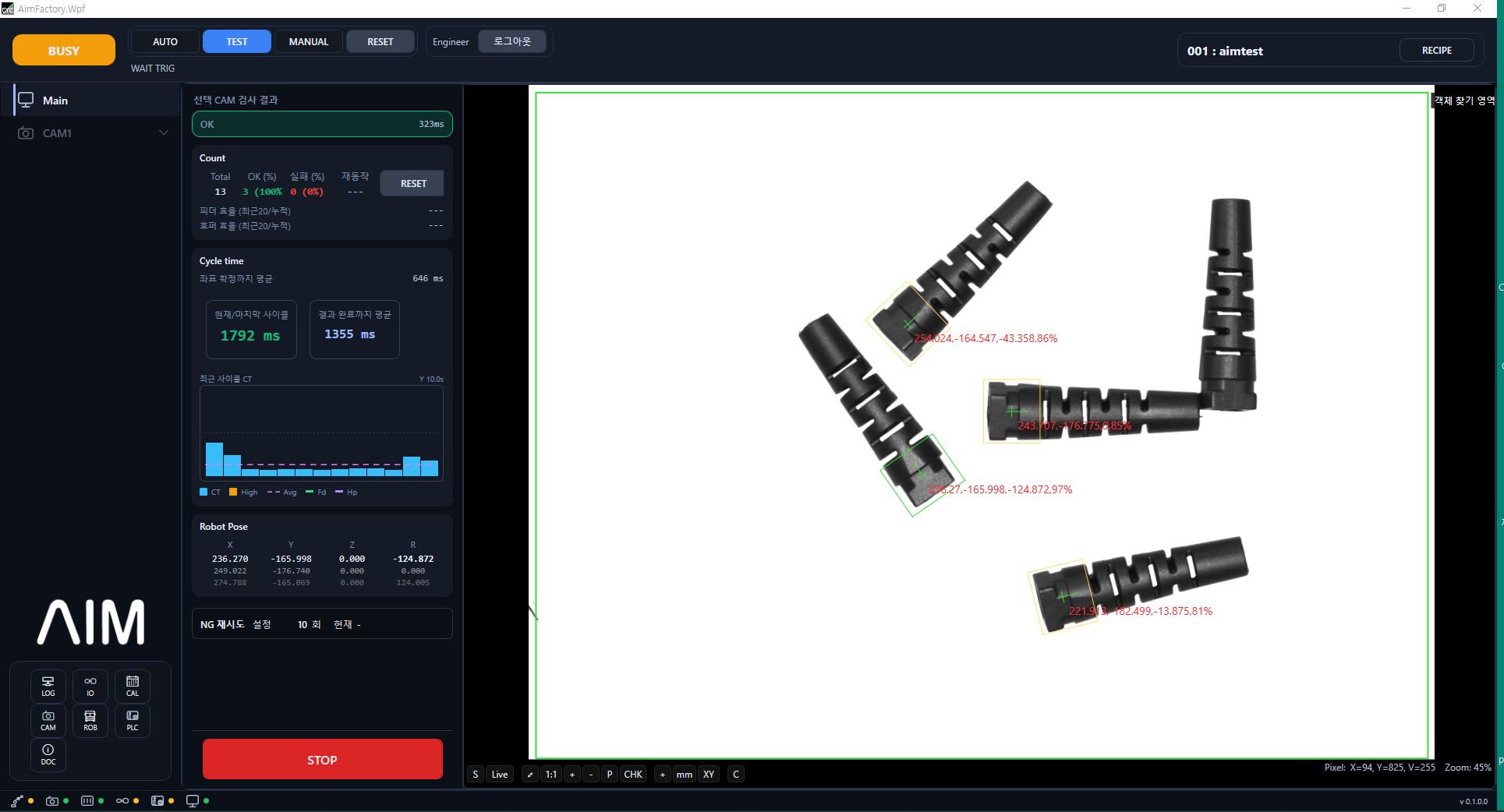
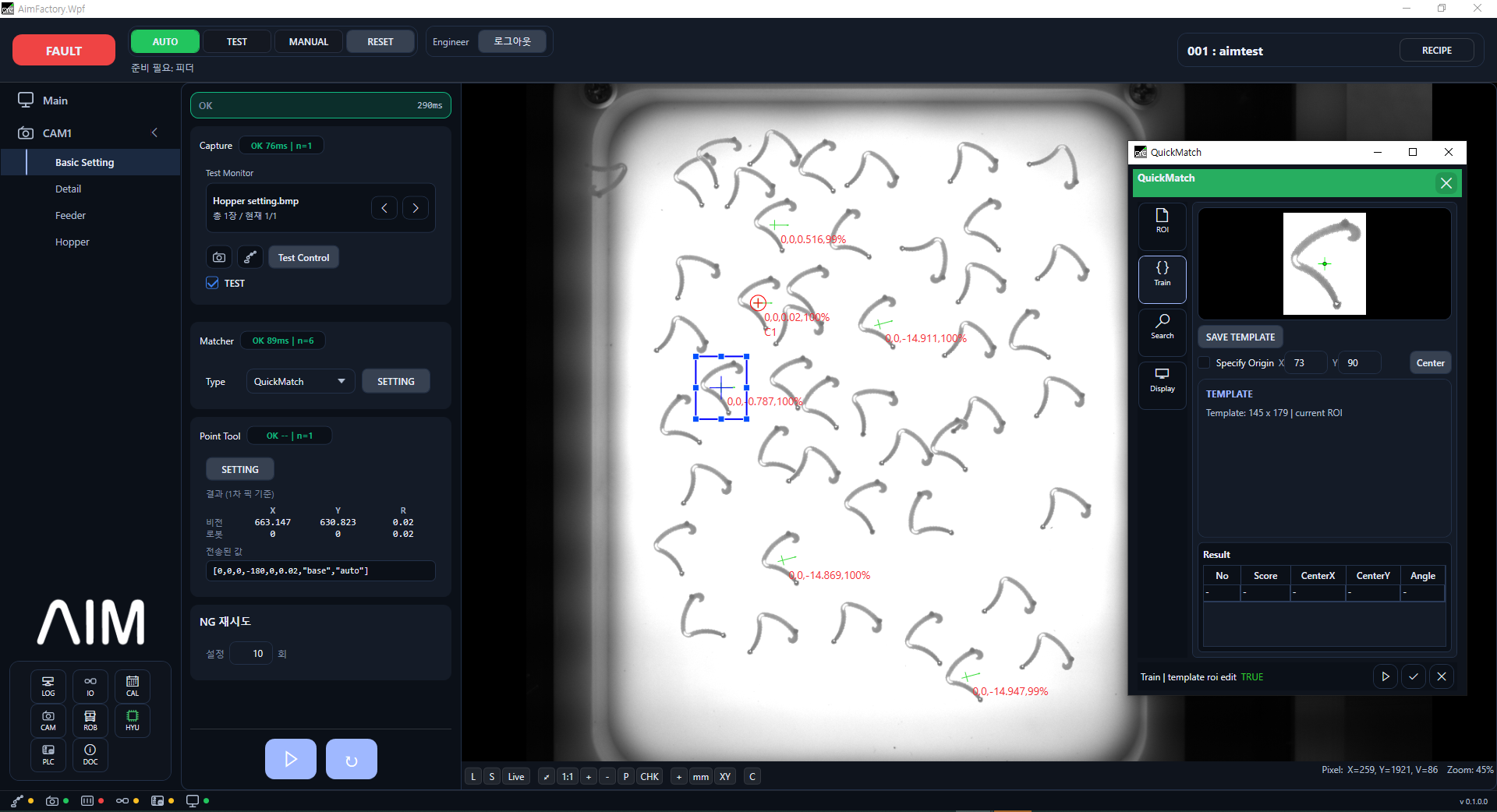
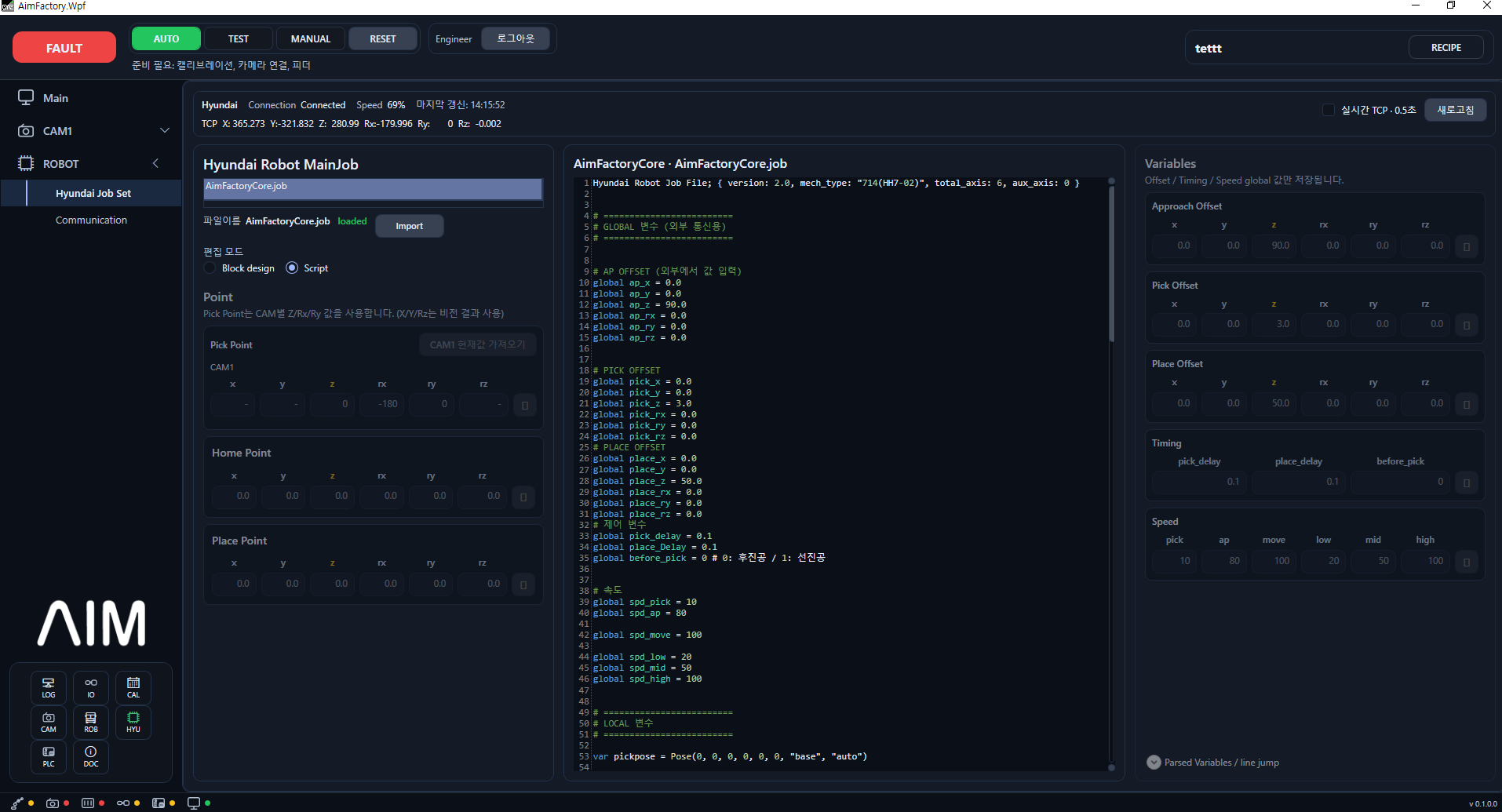
Recipe selection, vision setup, and robot program — all in one operation screen. Operators never need to switch between screens.
DEMO
Multi-model operation in action
Hyundai Robot × AIVE — integrated control of multiple parts and feeders in one cell.
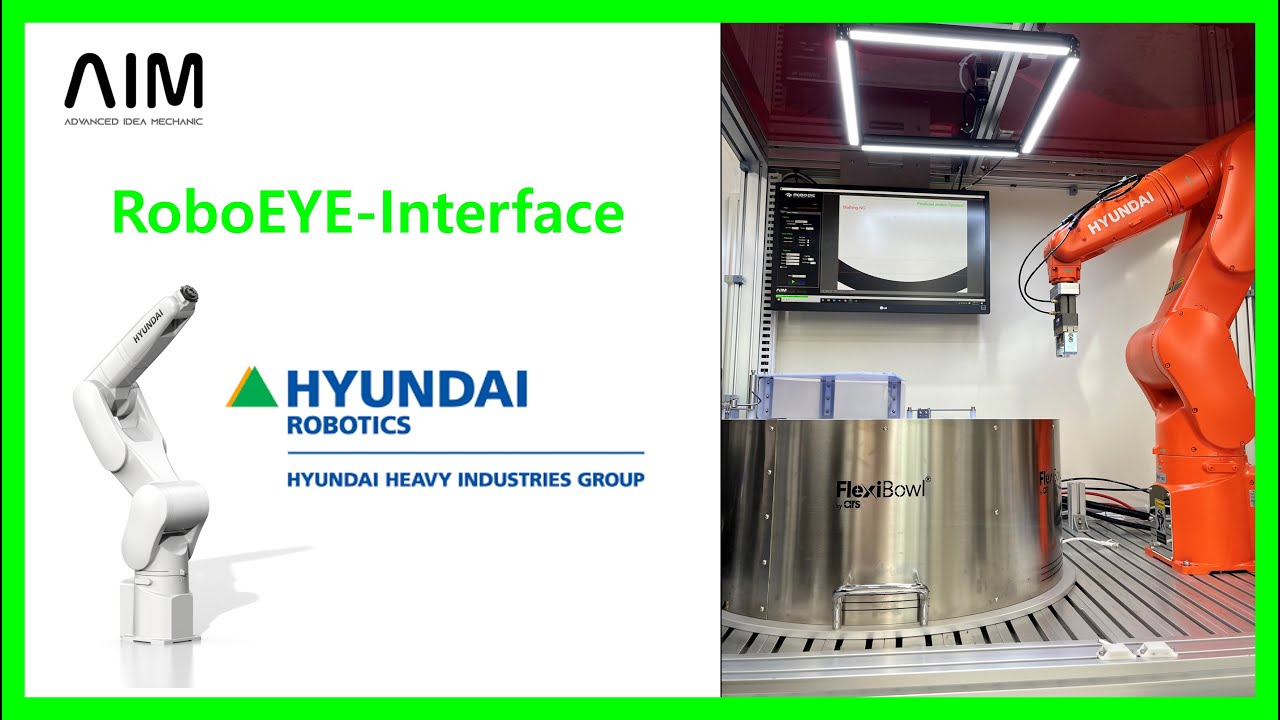
Hyundai Robot × AIVE Flexible Feeder — Full Integrated Control
Pick & Place automation with ROBOEYE 2D vision controlling a flexible feeder and FlexiBowl in one cell.
START
Want to cut your model changeover time to 5 minutes?
Share your current number of models and changeover time — we'll review the Recipe structure together.